
Shift overview after completion
This is what the summary after the shift ends shows.
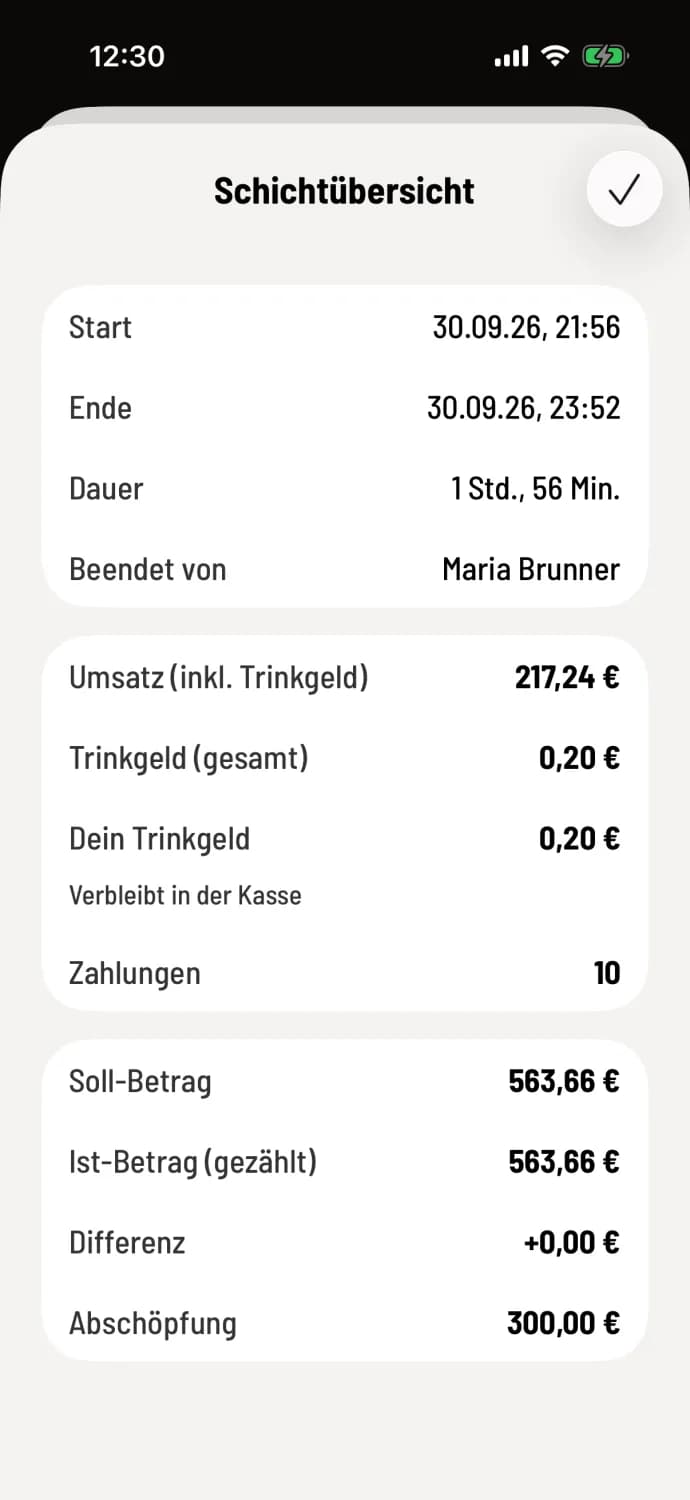
After the cash count, the cash register displays the shift overview. With a service-oriented cash register, it also appears without a cash count.
The cards
Times: Start, End, Duration and Ended by.
Sales: Sales (incl. tip), the same figure as in the Z-report, plus **Total tip ** for the shift, Your tip and the number of payments.
** tip to go**: only if tip are being paid out: tip at the end of the day.
Cash reconciliation: Target amount, Actual amount (counted), Difference, and Withdrawal. Only if a count was performed; the target and difference are missing during the first cash reconciliation without a target amount.
The difference is shown in green for a surplus and in red for a deficit. Close the overview with the checkmark in the upper right corner (Android: OK).
You can find the figures later in the shift details: View shift history. The complete summary is provided by the Z-report.