
Set up tip payment and kitchen fee
This is how you determine what happens to the tips at the end of the tip and how much goes to the kitchen.
In the Web desk, open Settings → Cash Register and click on the pencil icon under Cash Book & Service Cash Register. Scroll to the ** tip** and Kitchen Charge sections. On the settings page, the map displays both values side by side.
** tip at the end of your shift** is disabled during a shift . Please change this before your next shift starts. You can change your kitchen checkout time at any time.
tip
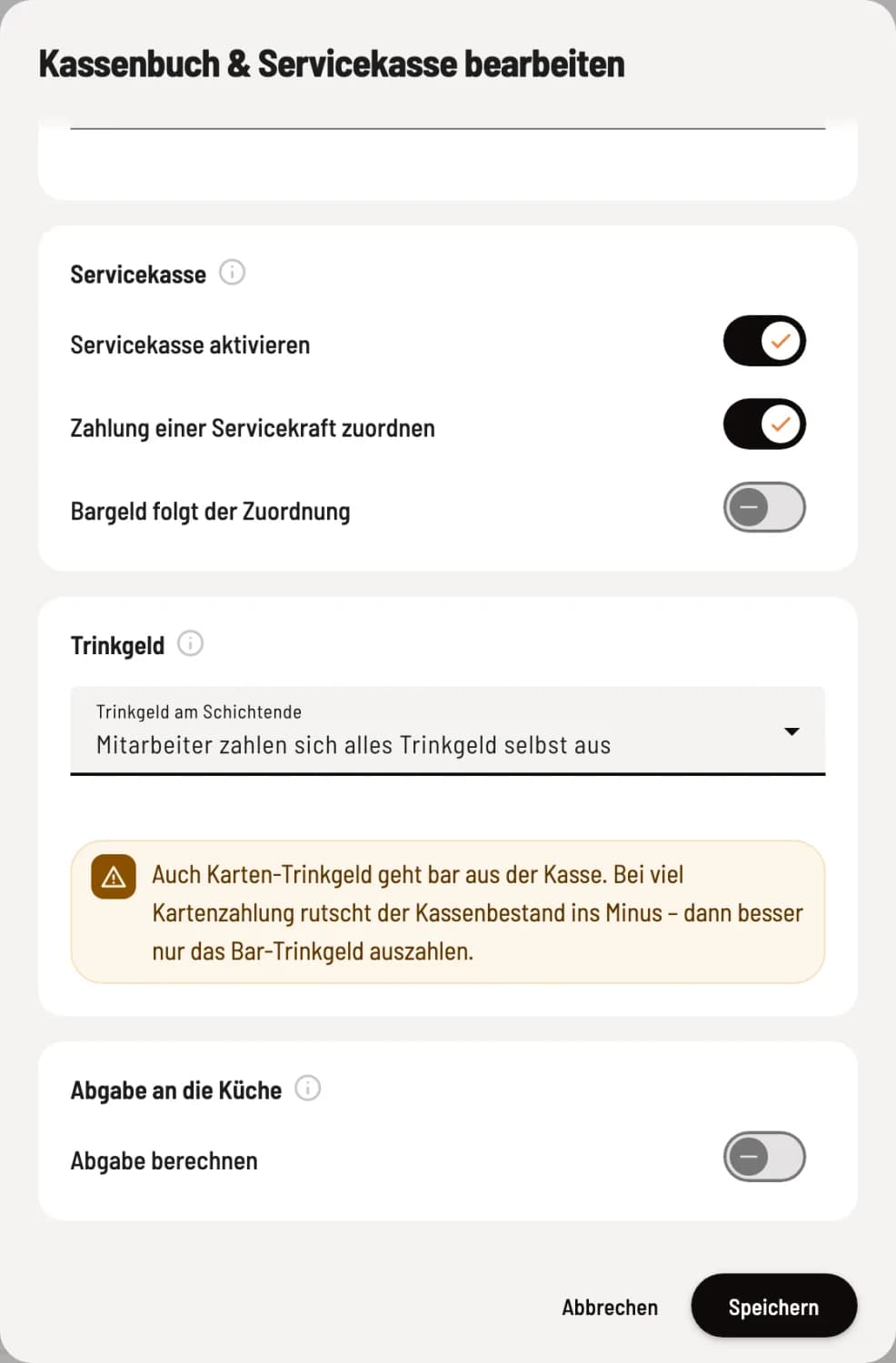
Choose a tip at the end of your shift
For **End-of-shift tip **, choose one of the three options. If **Employees pay themselves all tip **, a warning will appear; if your cash book is switched off, it will add that a deficit won't be noticed.
** tip remain in the cash register**: They are included in the expected cash balance.
**Employees pay themselves cash tip **: Servire books the cash tip as a payment in the cash book, the server takes it with them.
**Employees pay themselves all tip **: Even card tip are paid out in cash from the till. With a high volume of card payments, the till balance can go into the red; in that case, it's better to only pay out the cash tip .
Handover to the kitchen
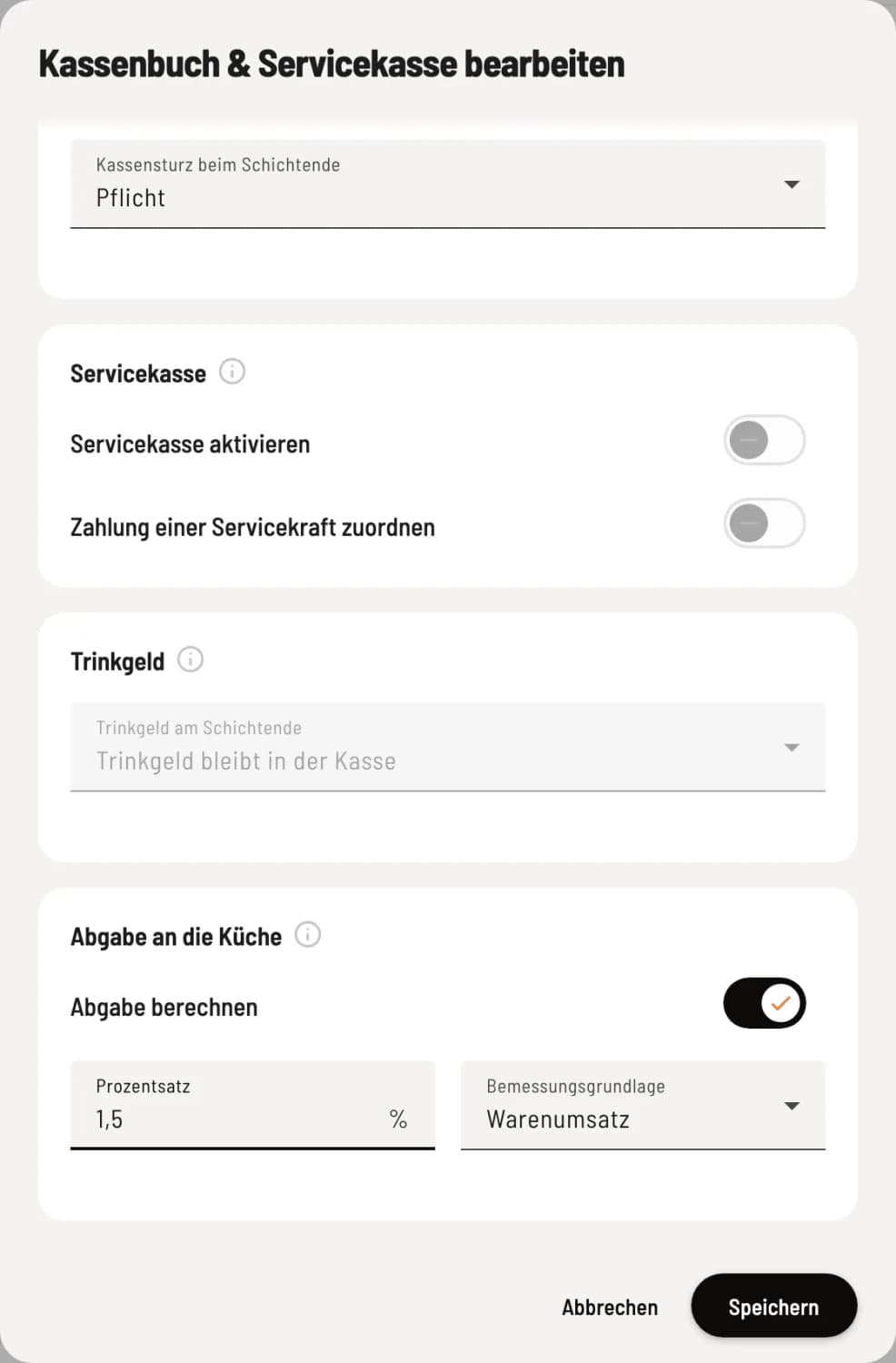
Calculate fee
Activate Calculate Tax. The Percentage and Tax Base will then appear. Saving is not possible without a valid rate.
Percentage: between 0.01 and 100, with a maximum of two decimal places. For example, 1.5 for one and a half percent.
Basis of assessment: Sales revenue of the server (excluding voucher sales) or their ** tip** (cash and card).
The kitchen levy is only calculated on the employee report. Nothing is booked or deducted from cash. If you deactivate the levy, the percentage and basis of calculation remain saved.
How the tip is displayed at the end of the shift: tip at the end of the cash register.