
The guest's pick-up number
Where your guest sees their collection number: receipt, customer display, order terminal, online order, collection display.
In order for a guest to respond to their number, they must know it. Depending on how they ordered, they will see it in different places.
On receipt and QR card
If a guest orders at the counter, the order number is prominently displayed at the top of their receipt, even if they're eating in. If you print only the QR code instead of a receipt, the number is clearly visible on the small QR card. If they don't want a receipt, just tell them the number: After the transaction is complete, the cash register will display it prominently until you select the next item .
On the customer display and in the digital receipt
If a customer display is located at the counter, the customer will see your collection number prominently displayed after payment. The smaller customer display at a Sunmi checkout also shows it. If the customer opens their receipt via QR code on their mobile phone, the number is displayed prominently above the receipt details.
At the order terminal
After payment, the terminal prominently displays Your Pickup Number. The screen is free for the next customer again after a few seconds, so it's worth taking a receipt.
When ordering online
The order number is displayed on the order confirmation and permanently on the order status page. It is generated as soon as your order is received; for online payments, this means only after payment has been completed.
On the pickup display
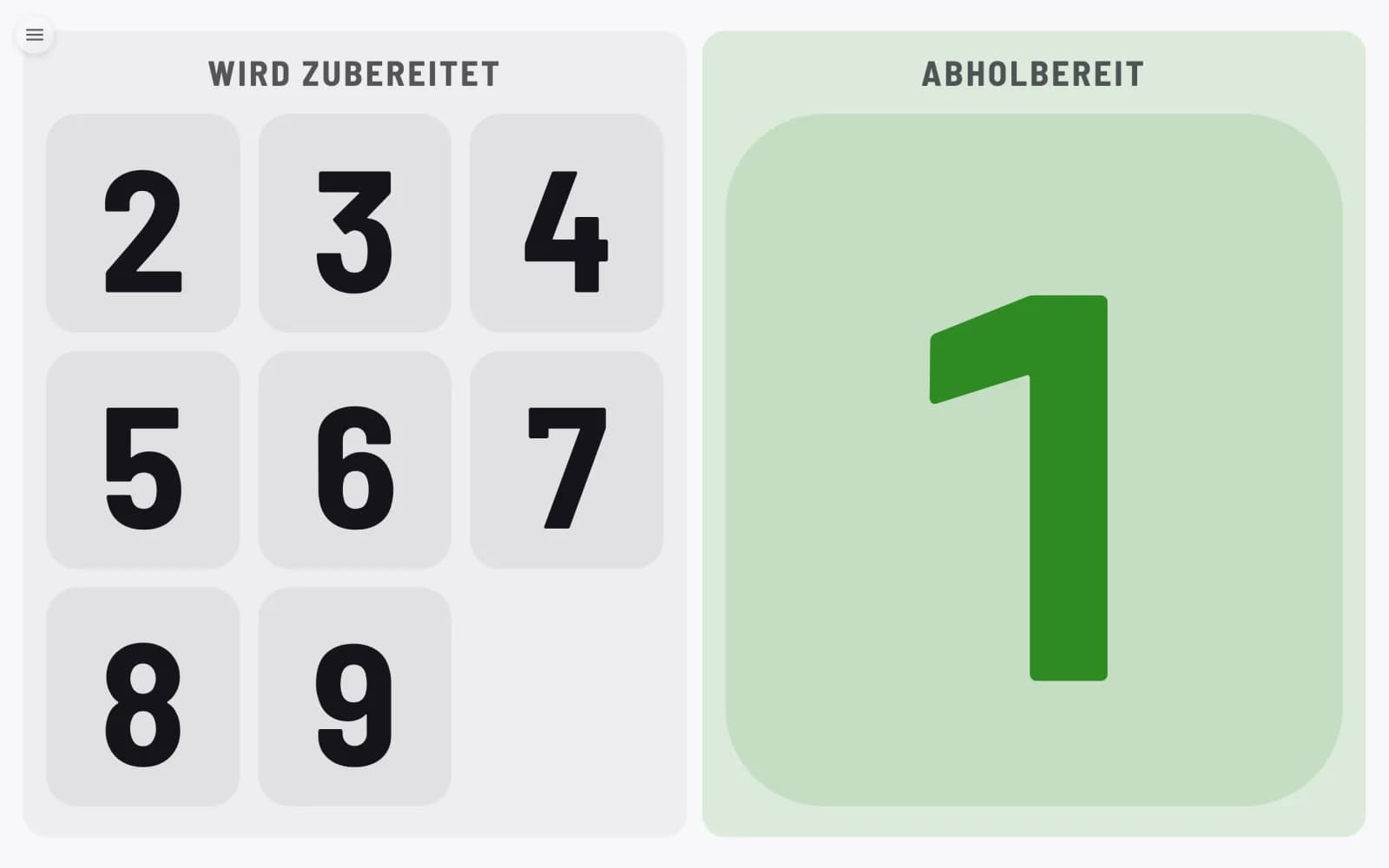
The number is displayed on the left while the kitchen is operating, and on the right in green as soon as you call it up. The display only shows numbers, not names, item , or amounts.
If the guest no longer sees their number anywhere, it has already been called or collected. It remains in the cash register 's order list along with the items and amount.