
Edit address, company details and contact information
Name, address, company and contact details of your restaurant for receipts, invoices, legal notice and emails to guests.
Under Settings → Restaurant, the map displays Information, showing all details at a glance; if something is missing, a dash appears. The pencil icon opens a dialog with three tabs: Address, Legal Information, and Contact. Save saves all three at once; a tab containing an error is highlighted.
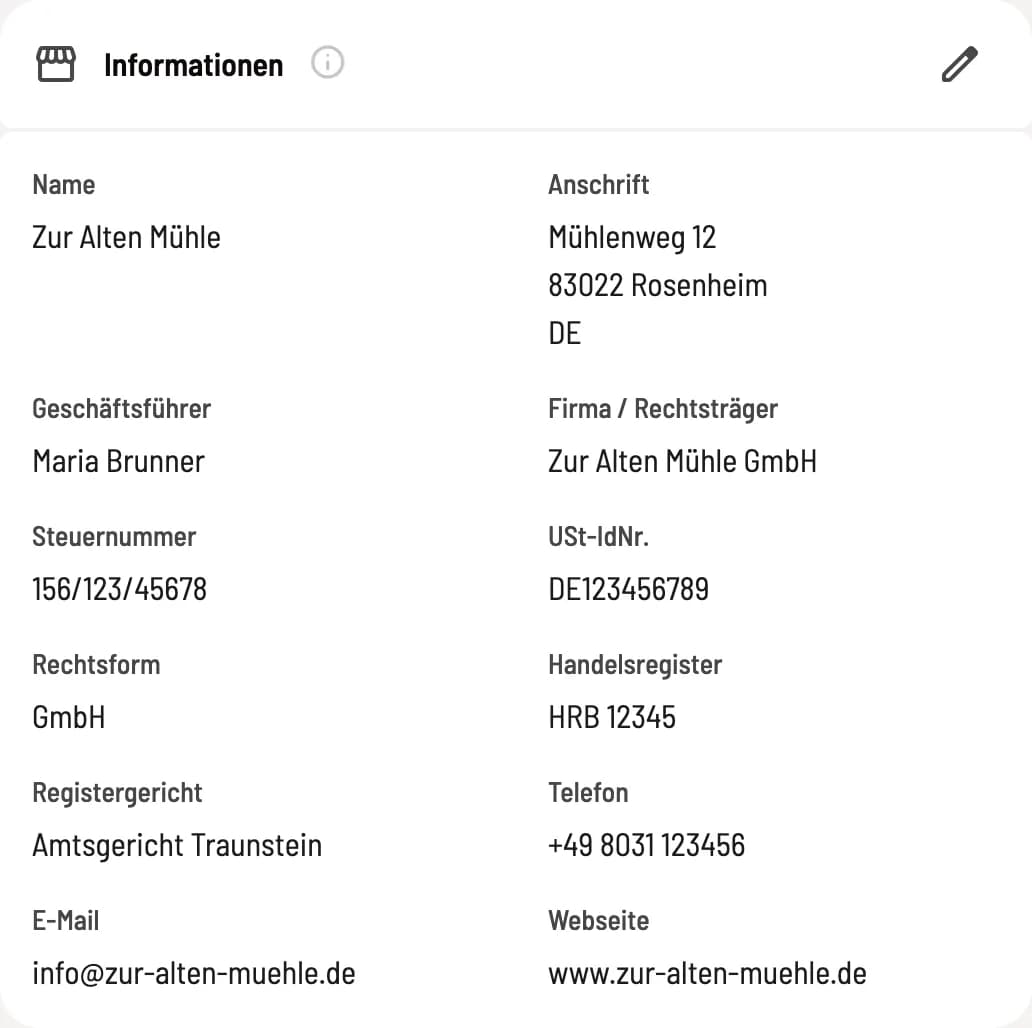
Map Information
Name, address, managing director, company, tax number, VAT ID number, legal form, commercial register, registry court, telephone, email and website.
Name and address
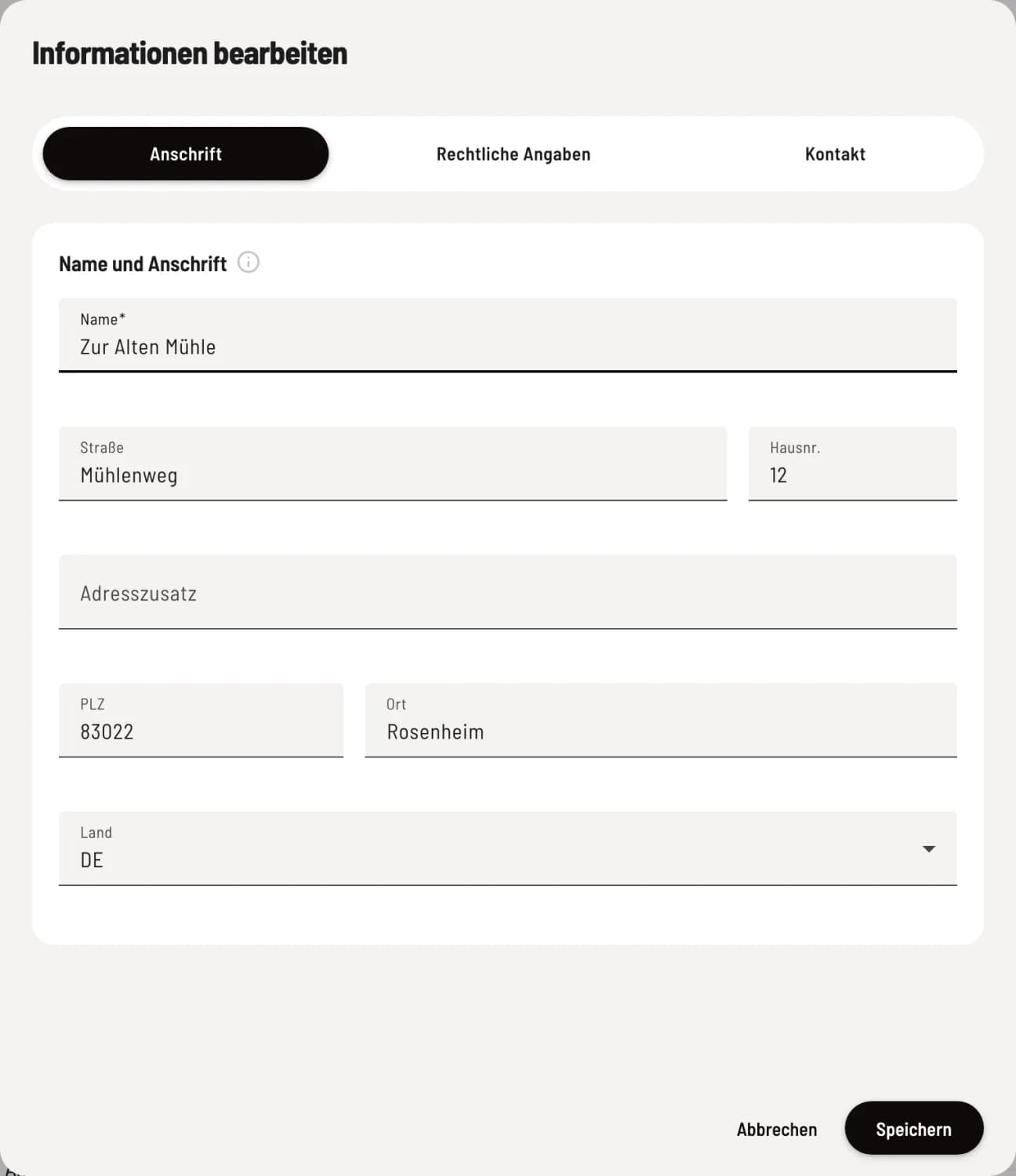
Reiter address
Name (required) is the name of your restaurant on Servire, receipts and invoices. Also include Street, House number, Address suffix, Postal code, City and Country from the list.
Businesses and Taxes
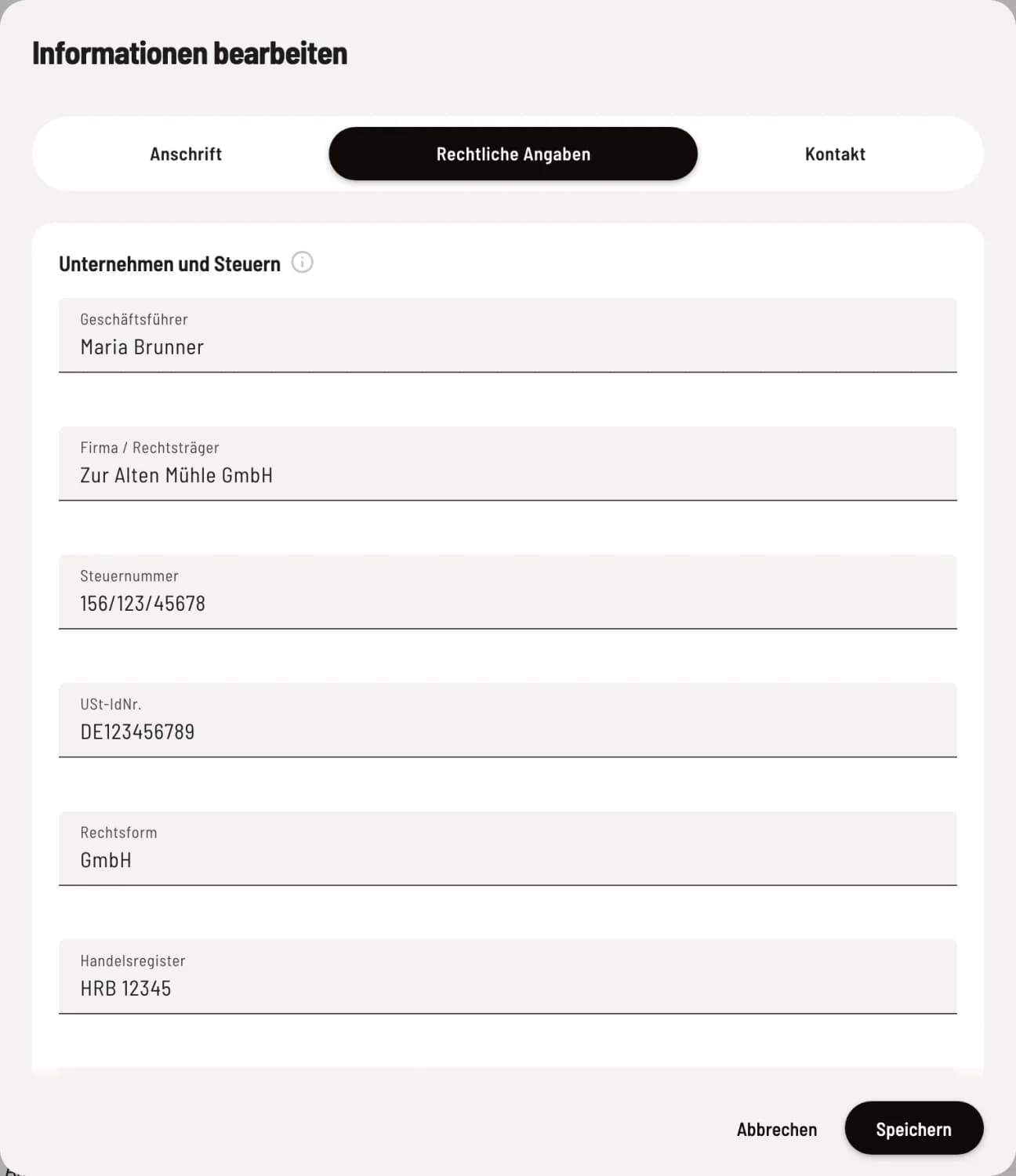
Legal Information tab
Managing Director, Company / Legal Entity (e.g., "Sample GmbH"), Tax Number, and VAT ID Number (DE and 9 digits). Further down: Legal Form, Commercial Register (e.g., HRB 12345), and Register Court.
Company name, tax number, VAT ID number and managing director are listed on invoices and e-invoices (XRechnung, ZUGFeRD).
The tax identification number is also included in the DSFinV-K export for the tax office.
Legal form, managing director, commercial register and registry court are listed in the imprint of your website.
contact
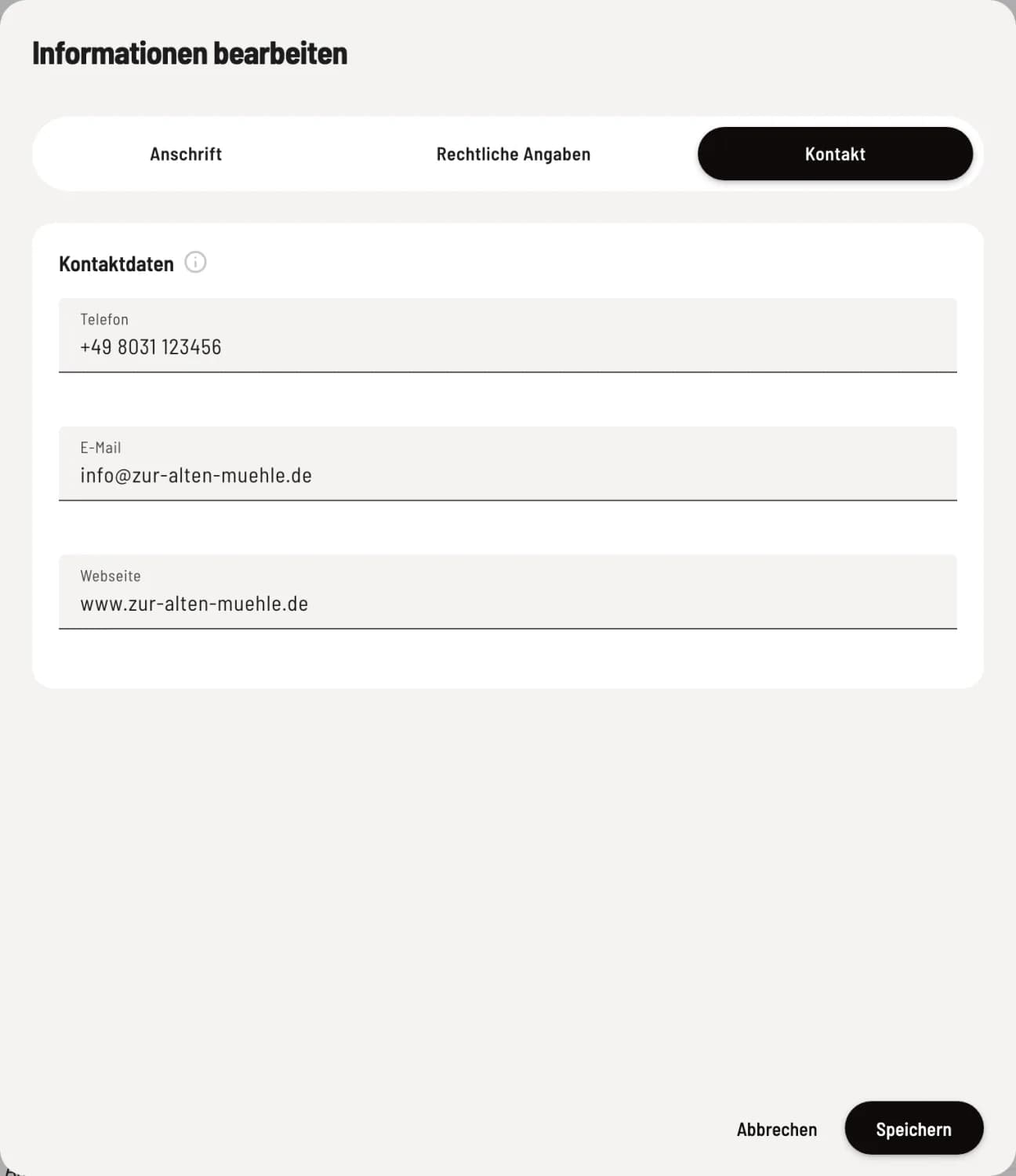
Rider Contact
Your phone number and email address are listed on invoices, vouchers, digital receipts, in the legal notice, and on your website. Replies from your guests to emails should be sent to this address, along with your website address.
For e-invoices (XRechnung) you need a VAT ID number and a telephone number with at least three digits.
You enter your bank details and number range under "Invoices." You enter the information for the cash register report separately there: Register your cash register with the tax office.