
Enter partner code for a subscription
Here's how to assign your restaurant to a Servire partner before subscribing.
If you came to us via a Servire partner, you enter their code as the owner for the relevant restaurant. The code applies to each establishment; if you own multiple restaurants, you can specify a different partner for each one.
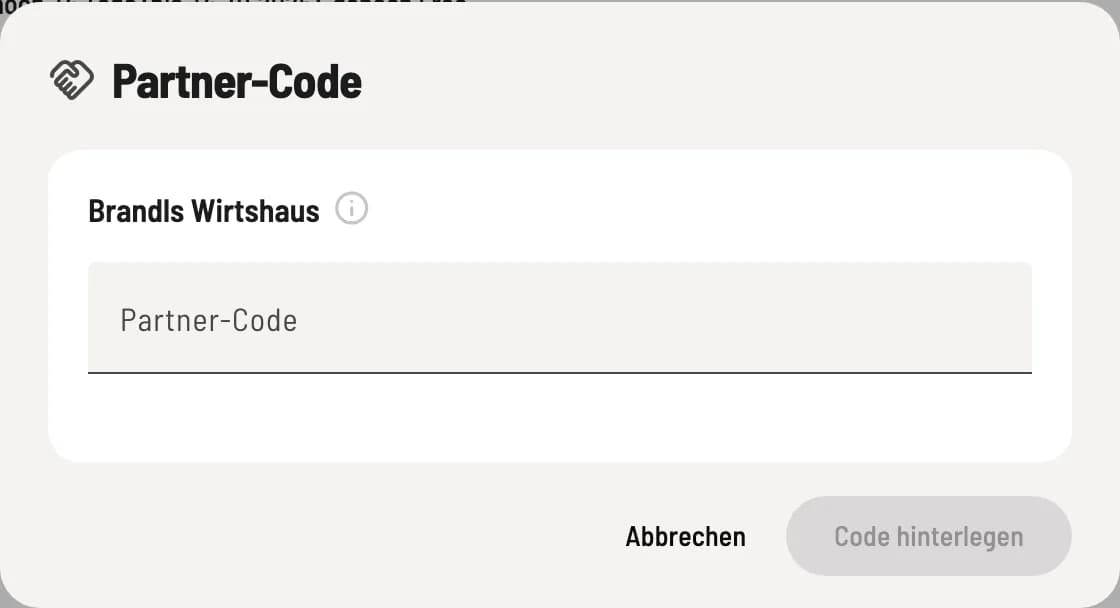
Check and store the code
Open Settings → Subscription and under the restaurant, go to … → Partner Code. Enter the Partner Code; the Servire will check it immediately and display Code valid, showing the discount amount for the first 3 months if applicable. Confirm by clicking Save code.
If a consent button appears below the field, you decide whether the partner may receive your name and email address. This is not necessary for codes and discounts. You can revoke your consent below in the Subscription tab under Sharing with the Partner.
The stored code will then appear as a pill next to the restaurant's name; a message displayed when you hover over it indicates whether it will be applied at checkout. You can also enter the code during the welcome message in the Web desk or during the introductory tour of the cash register.
As long as no subscription is active, the code can be changed; the option is then called Change Partner Code. Once a subscription is activated, the code is fixed. You cannot use your own partner code for your own business.