
Download DATEV files
This is how you select the appropriate DATEV format and download the file for a specific period.
In the Web desk, under Settings → DATEV Export, click on Download DATEV Export in the Header Data tab. The same download option is available in the Documents section. Check the header data and accounts beforehand.
Prerequisite: ** DATEV-Buchungsstapel** and ** DATEV Kassenbuch online** require a subscription starting from Solo or the trial period.
Select export type
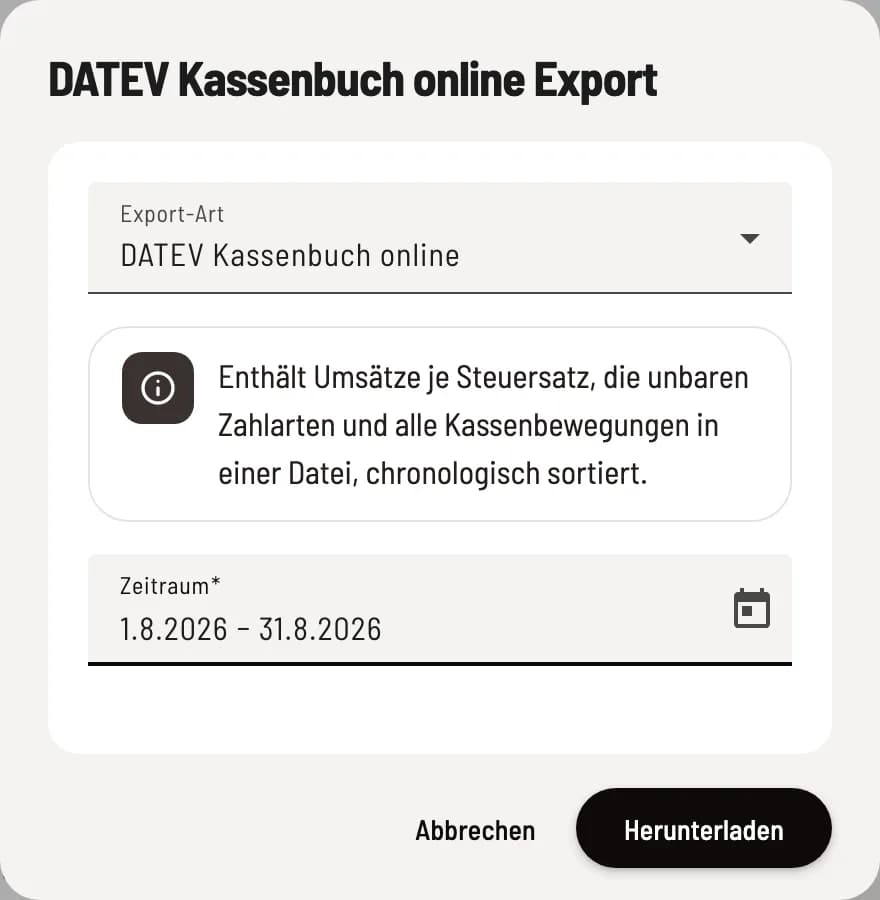
Format and time period
The default setting is ** DATEV Cash Book Online** for the last month. Under Export Type, you select the format; the note below explains what it contains. Ask your tax advisor which format they import.
** DATEV Posting Batch**: Sales per tax rate and non-cash payment methods. Cash sales are not shown as a separate line: Cash sales = Sales lines minus non-cash payment methods.
** DATEV Cash Book (Posting Stack)**: Deposits, withdrawals and cash purchases from the cash book.
** DATEV Cash Book Online**: Sales, cashless payment methods, and cash transactions in one file. It replaces the two separate batches; avoid submitting the same sales data twice.
Download
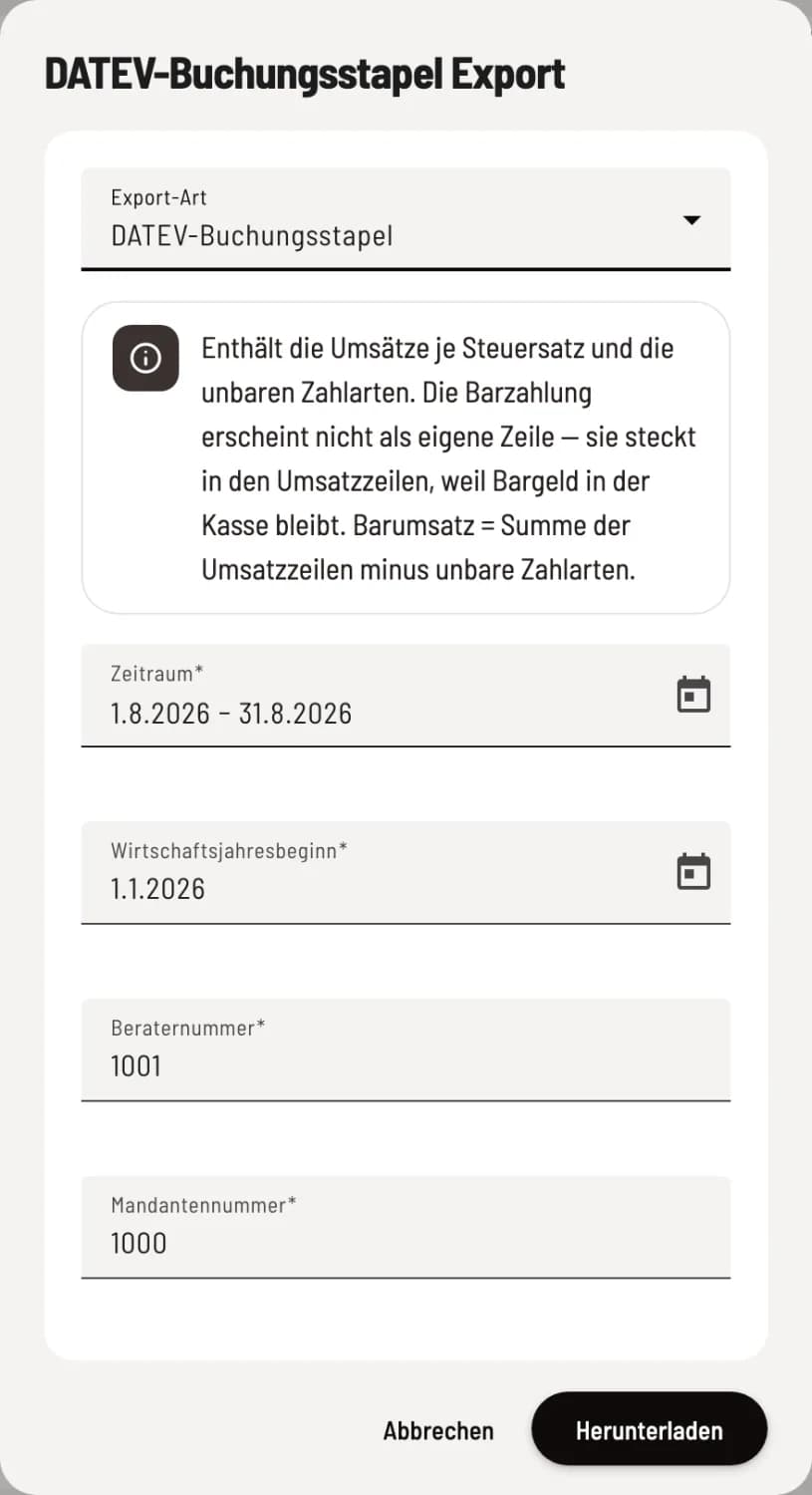
Information for the booking stacks
The booking batches now include Fiscal Year Start, Consultant Number, and Client Number; these numbers are taken from the header data. Click on Download.
The booking batches are provided as a CSV file. Online Cash Book delivers one CSV file per month; for multiple months, they are bundled as a ZIP file.
Sales figures are derived from cash register reports (Z-reports). If there is no report for the relevant period, the sales column will remain empty. Under Send to tax advisor → Check period, you can see beforehand whether all reports are available for posting.