
To attribute payment to another server
Collecting for colleagues: Sales and tip count for the chosen server.
If you're taking payment for a colleague, you attribute the sales and tip to her. The payment will then be counted for her in the Z-report and statistics.
The line ** server ** only appears if **Assign payment to a server ** is enabled in the Web desk : Set up service cash registers and assignment.
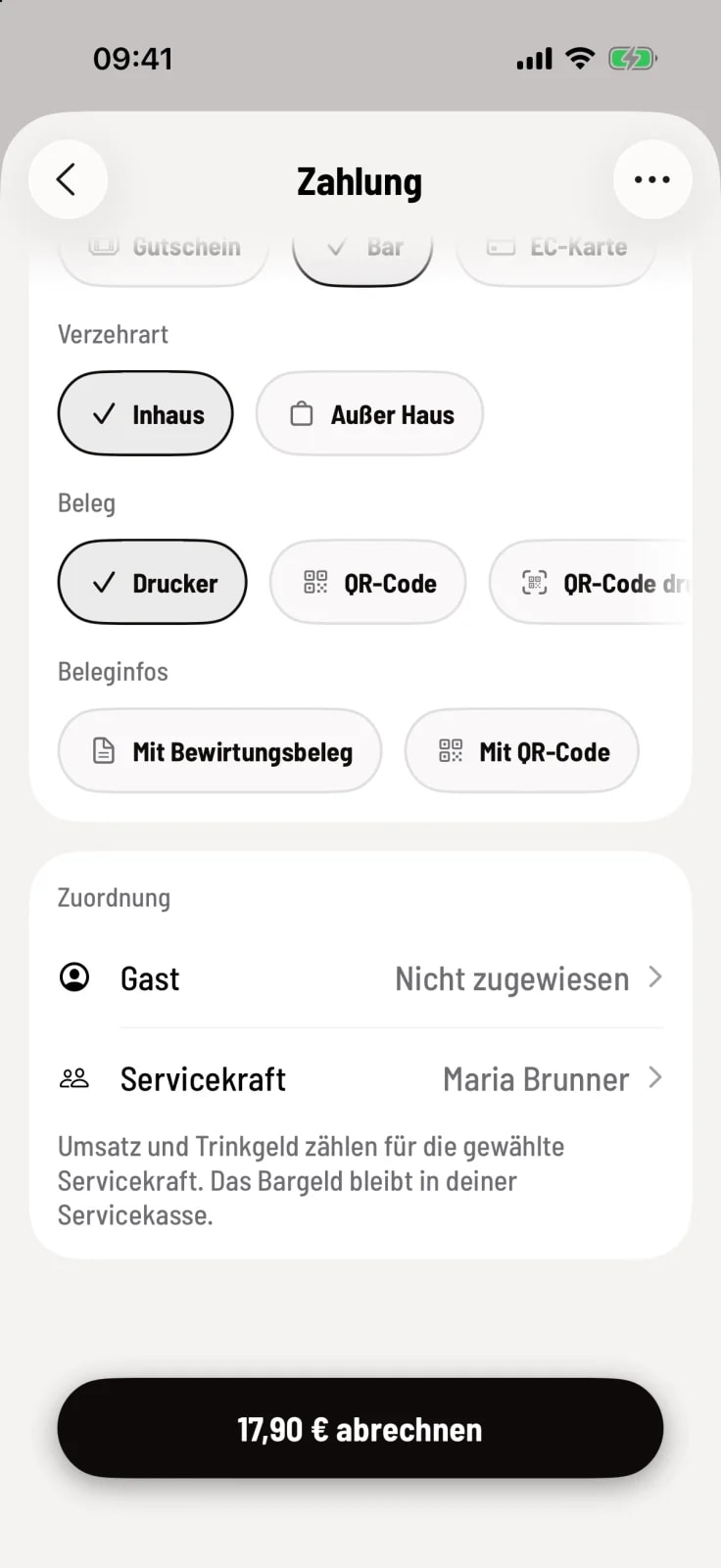
Step 1 of 2
Tap the line for server
Under Assignment, your name is listed first. Tap on ** server**.
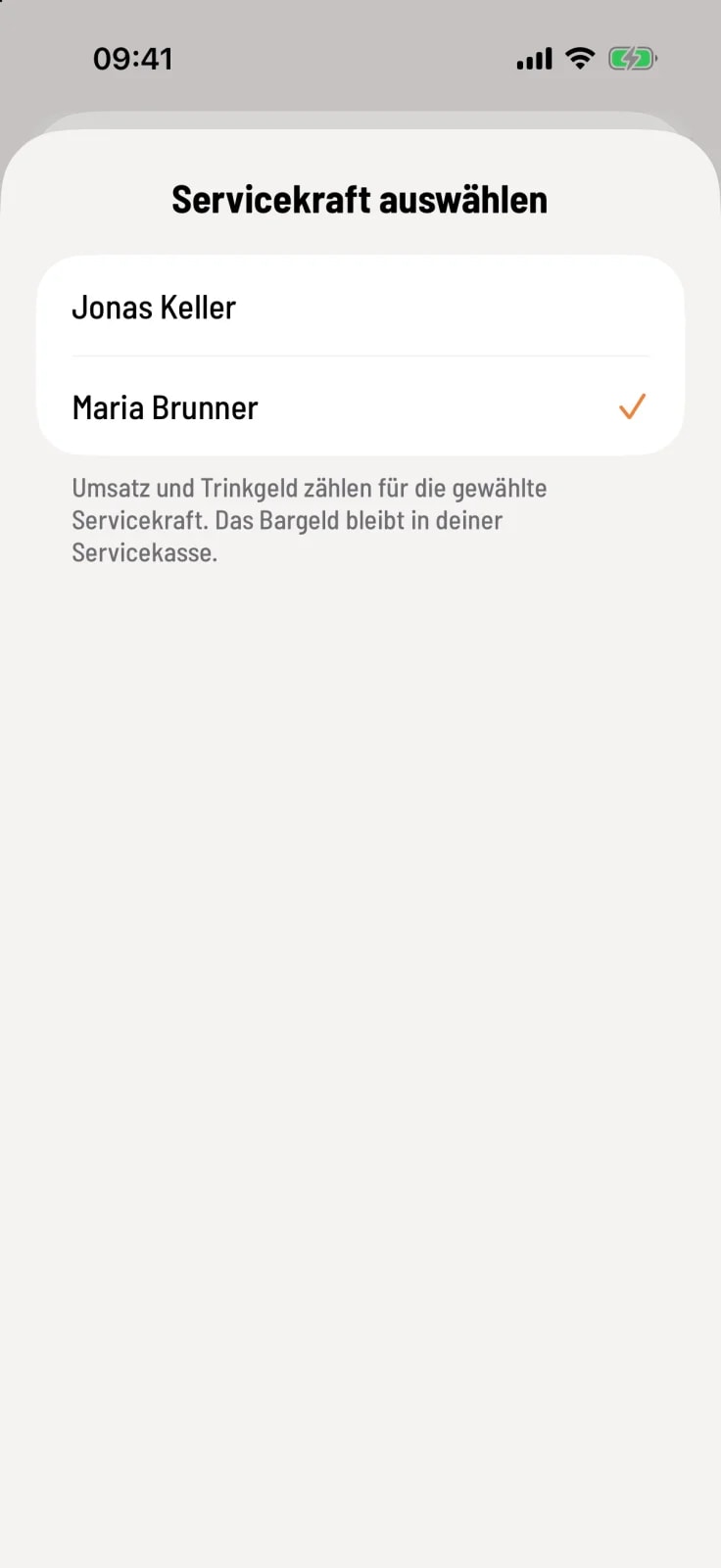
Step 2 of 2
Choose a colleague
Tap on the name. At the top, you'll see a suggestion of who has purchased the most item . The information below explains what happens to the money.
What happens to the cash
If Cash follows allocation is selected, the cash remains in your service till. Only sales and tip are transferred.
If it's enabled, the cash also counts towards your colleague's service till. You can then only choose someone who has an open service till.
Card payments do not affect cash payments.
This choice also applies to subsequent partial payments for this order. In the express checkout, you'll find the same line item on the receipt; it will automatically revert to your account after each sale.
In the export form for the tax office, the person who collected the money remains listed as the operator.