
Install the Hub as an app
When the Hub's desktop app is worth it, where you can get it, and what applies to iPhone and iPad.
The hub works in any modern browser. However, the app is still worthwhile for the print center: In the browser, it only prints to Epson printers and only while the tab is open.
What the app can do better
It prints directly via your network to receipt printers that understand ESC/POS, including Epson, Star, Bixolon or Citizen.
It automatically repeats tasks after a network outage.
On Windows, macOS, and Linux, it continues to run even after you close the window. It remains as an icon in the menu bar or notification area, with Show and Quit options.
On Android, the app must remain open in the foreground.
For kitchen monitors, customer displays, pickup displays and menu displays, it makes no difference; the browser works just as well there.
Where you can get them
Open download
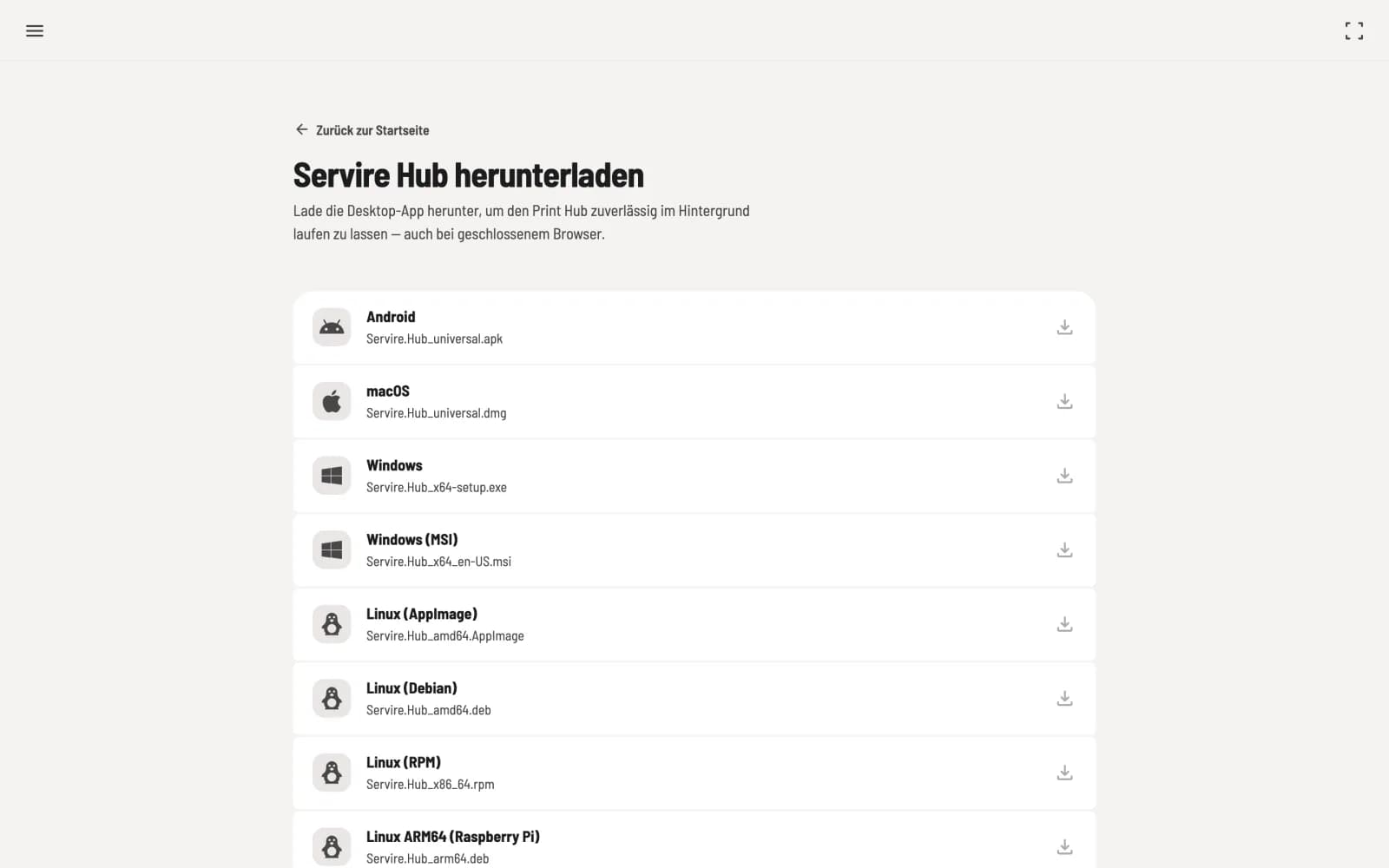
In the Hub on the home page, click on Download desktop app at the bottom and select your system.
Android as an APK file for direct installation, not via Google Play
macOS as a DMG file
Windows as an installer or as an MSI package
Linux as an AppImage, Debian or RPM package, plus a package for Raspberry Pi (ARM64)
On Windows, macOS, and Linux, the app will notify you when a new version is available: "Servire Hub ... is available" with Install now and Later. You update the Android app by installing the new file from the download page.
On iPhone and iPad
There is no Hub app for iPhone and iPad. Open the Hub in Safari and tap Add to Home Screen in the share menu. The Hub will then launch without the browser bar. The Print Center on the iPad only works with Epson printers and only while the Hub is open.
If you want to print centrally on a permanent basis, use a small computer with the desktop app.