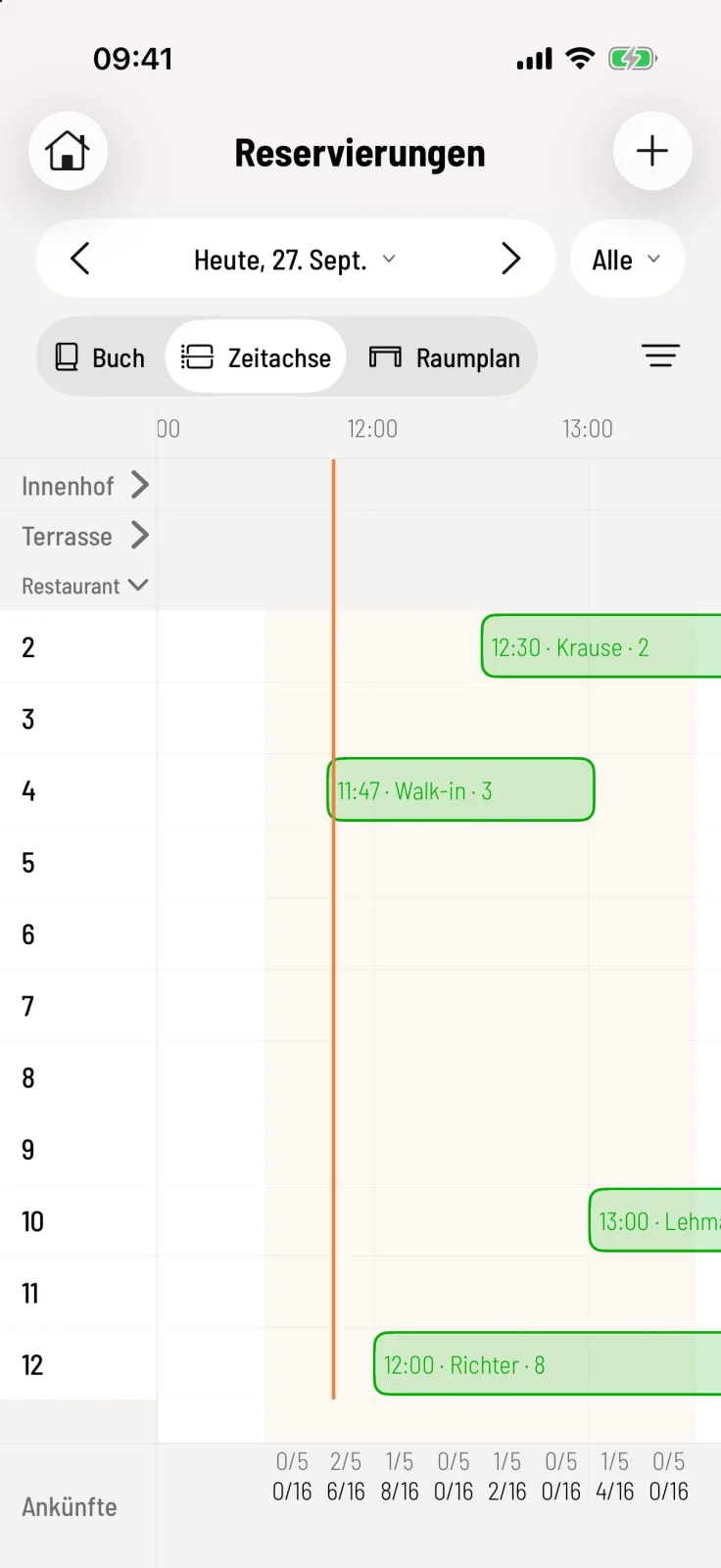
Walk-in: Place walk-in customers
To seat guests without a reservation at a table with two tips, so that the table is occupied in the book and timeline.
Walk-ins are only possible today and during a current shift .
If guests arrive without a reservation, you register them as walk-ins. The table is then reserved for the selected duration – online guests will not be offered it during this time.
Step 1 of 2
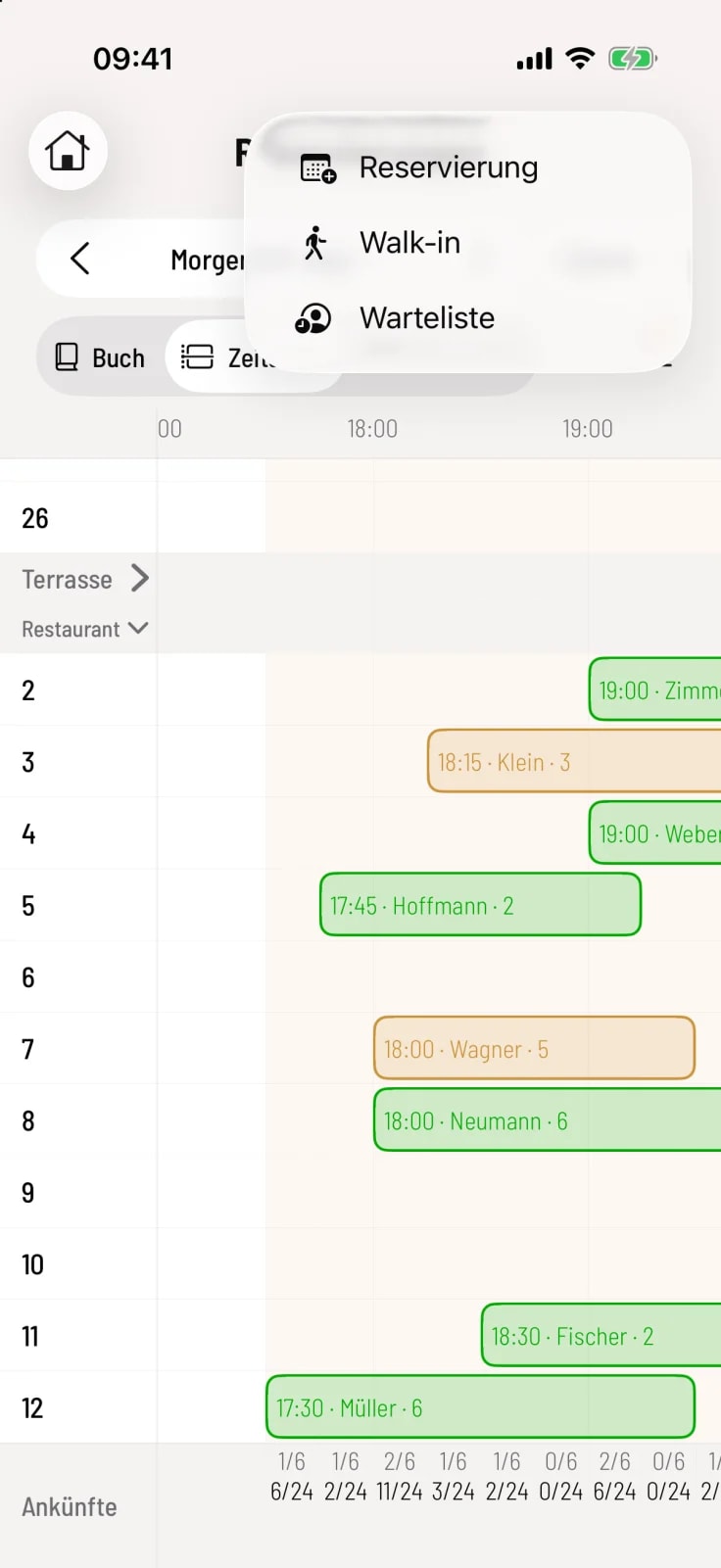
Walk-in
Tap + in the top right corner and select Walk-in. Or, tap an empty table in the floor plan and then tap Set as Walk-in.
Step 2 of 2
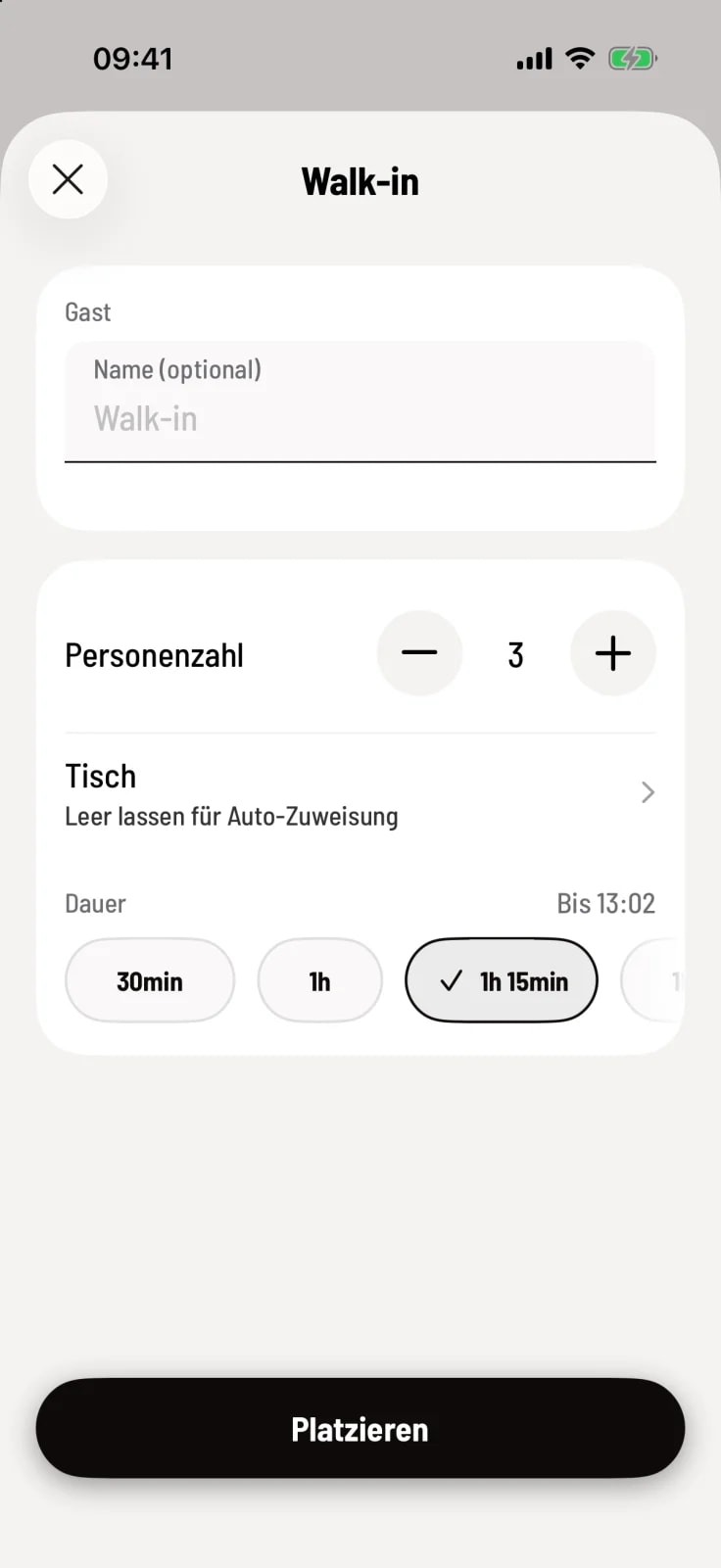
seating guests
A name is optional. Set the number of people, optionally select a table and the duration – the table's availability is shown on the right. Tap Place.
The walk-in reservation is then listed as Placed in the book and as a bar on the timeline. The start time is always now. If no table is selected, Servire will assign an available table.