
Set up loyalty points
This is how you determine how many points your guests collect, what a point is worth, and when they can redeem them.
Reward your regular customers with loyalty points: For every euro spent, they receive points that they can later redeem as a discount at checkout. You can set this up in the Web desk under Guests → Gear icon → Loyalty Points tab.
Guest management is included in the Max plan. The first time you open Guests, a wizard will guide you through the setup; before that, you, as the owner, must conclude the data processing agreement (DPA). Only those with the Manage Guests right can change the settings – everyone else can only view them.
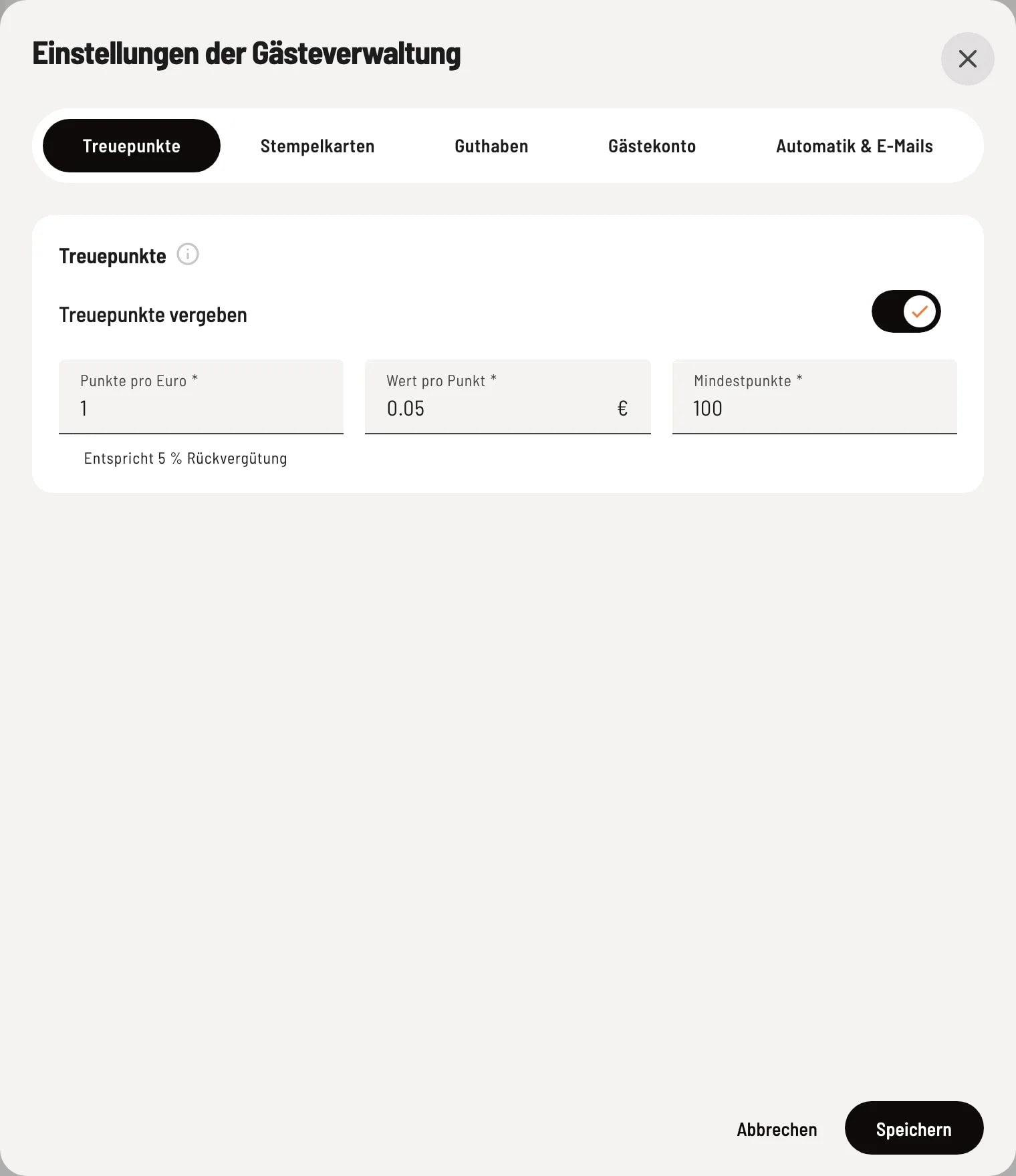
Rider loyalty points
Activate Reward points and enter the three values. Under Points per Euro you will immediately see what percentage of the revenue you are giving back, e.g., "Equivalent to 5% cashback".
The fields
-
Loyalty Points Awarded – If a guest is assigned to the bill, they collect points based on the total value of the goods. No points are awarded if no guest is assigned.
-
Points per Euro – How many points are awarded per euro, e.g., 1. Fractions are rounded down: €12.80 at 1 point per euro results in 12 points. Values between 0 and 100 are permitted.
-
Value per Point – This is the discount a point provides when redeemed at the checkout, e.g., €0.05. Maximum €1.
-
Minimum Points – A guest can only redeem points once they have reached this minimum, e.g., 100.
Points per euro multiplied by the value per point equals the cashback. The dialog does not allow cashback exceeding 50%.
What counts as revenue
The basis for points is the merchandise value after discounts. If the guest pays with a voucher, the purchase still counts in full. Tips, deposits, sold vouchers, and credit top-ups are not included – these are not considered tip or drink purchases. If a bill is canceled, the points are deducted.
Turn off
If you disable awarding loyalty points, a prompt will appear showing how many guests have how many points. Afterwards, guests will no longer collect new points. Existing points will be retained.
You can correct the points of an individual guest in the guest profile under Guests in the guest list.