
Print settings: Layout, prices, copy
How order slips are divided according to product group, whether prices are included, and whether reprints are marked "COPY".
These settings apply to all cash registers in your business, not just this one.
You can find them under Settings › General in the Print settings section.
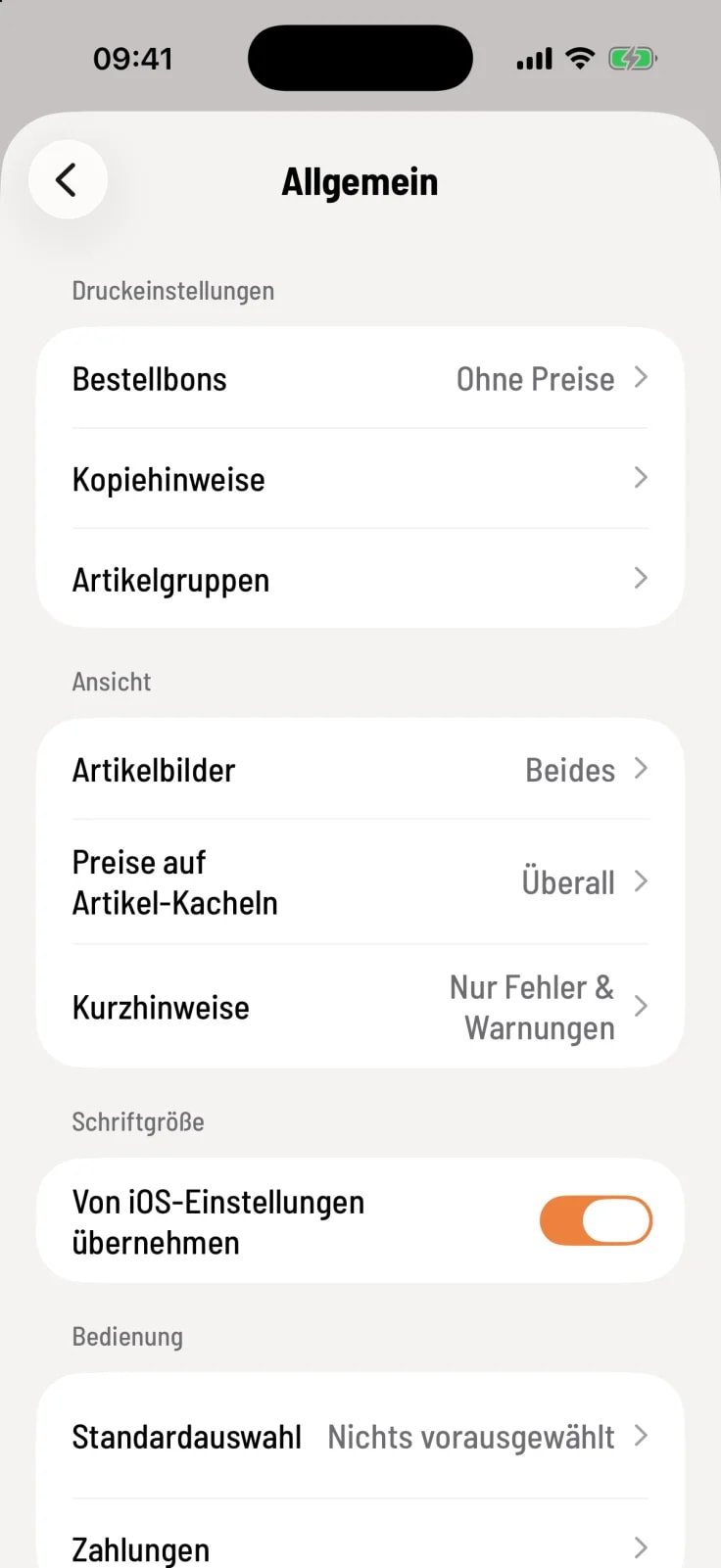
Distribute receipts according to product group
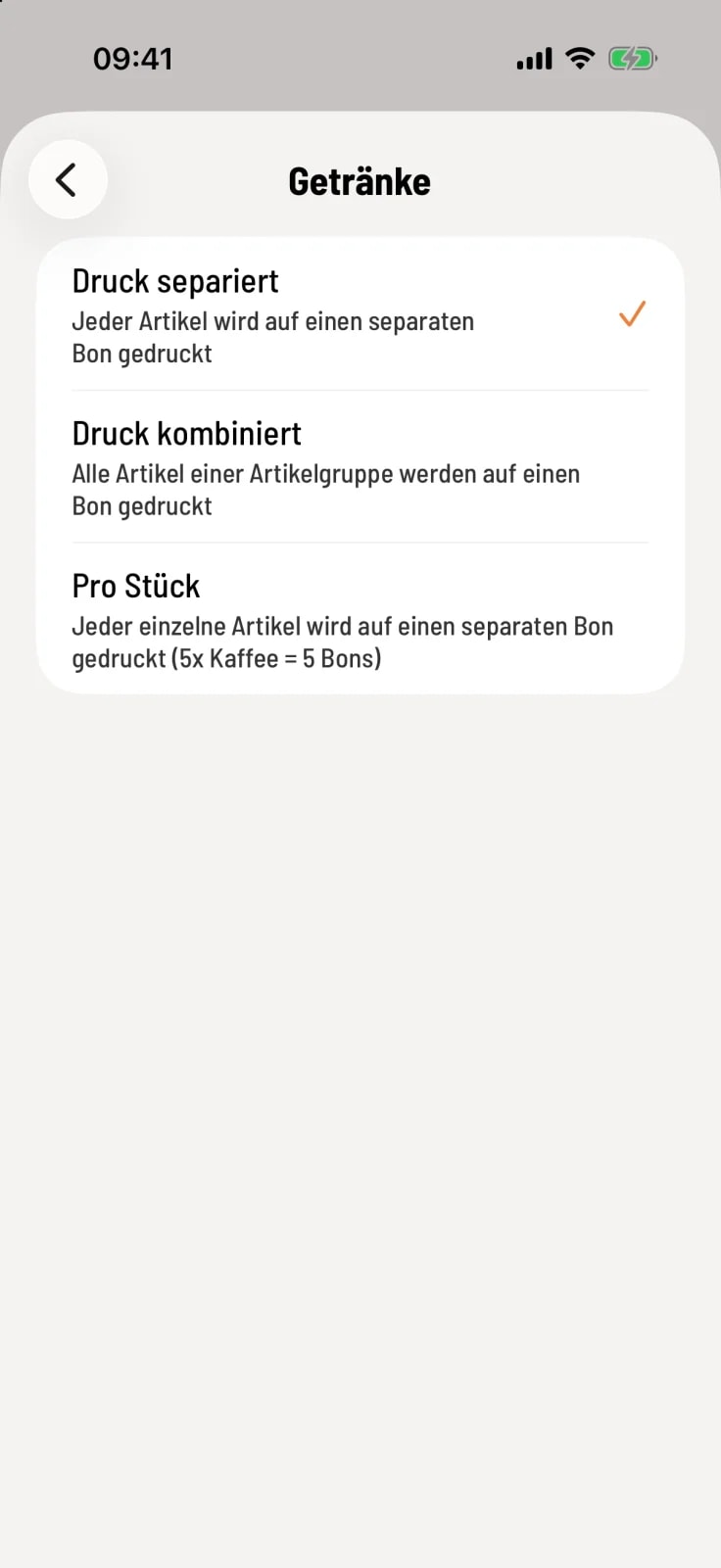
Choose division
Tap on Item Groups and then on a group, for example Drinks. Choose how their receipts are printed.
Printed separately – each item on its own receipt.
Combined printing – all item in the group on one receipt.
Per piece – each piece on its own receipt: 5× coffee results in 5 receipts.
The cash register always prints each aisle on separate receipts.
Prices on order slips
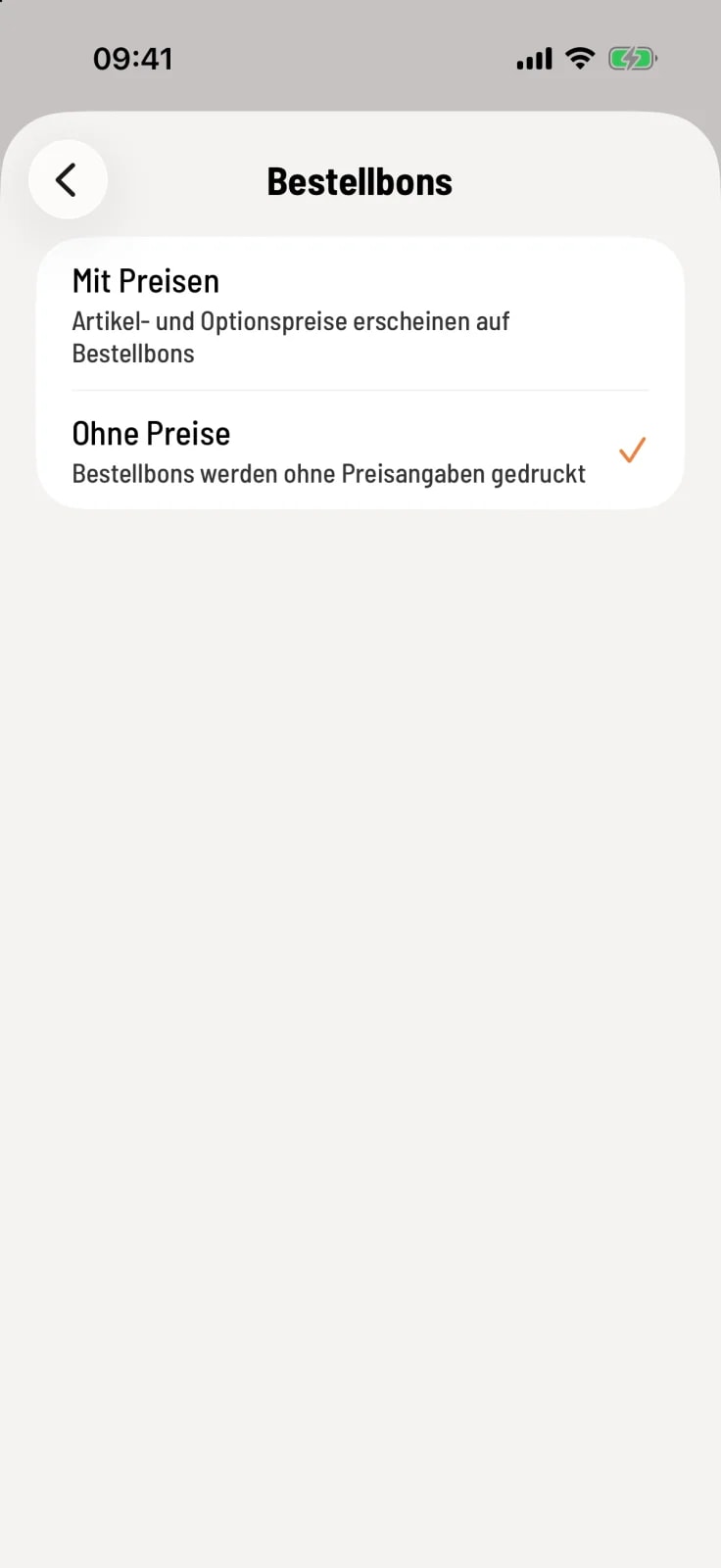
With or without prices
Under Order Receipts, you can select With Prices or Without Prices. If no selection is made, the cash register will print without prices.
COPY on reprints
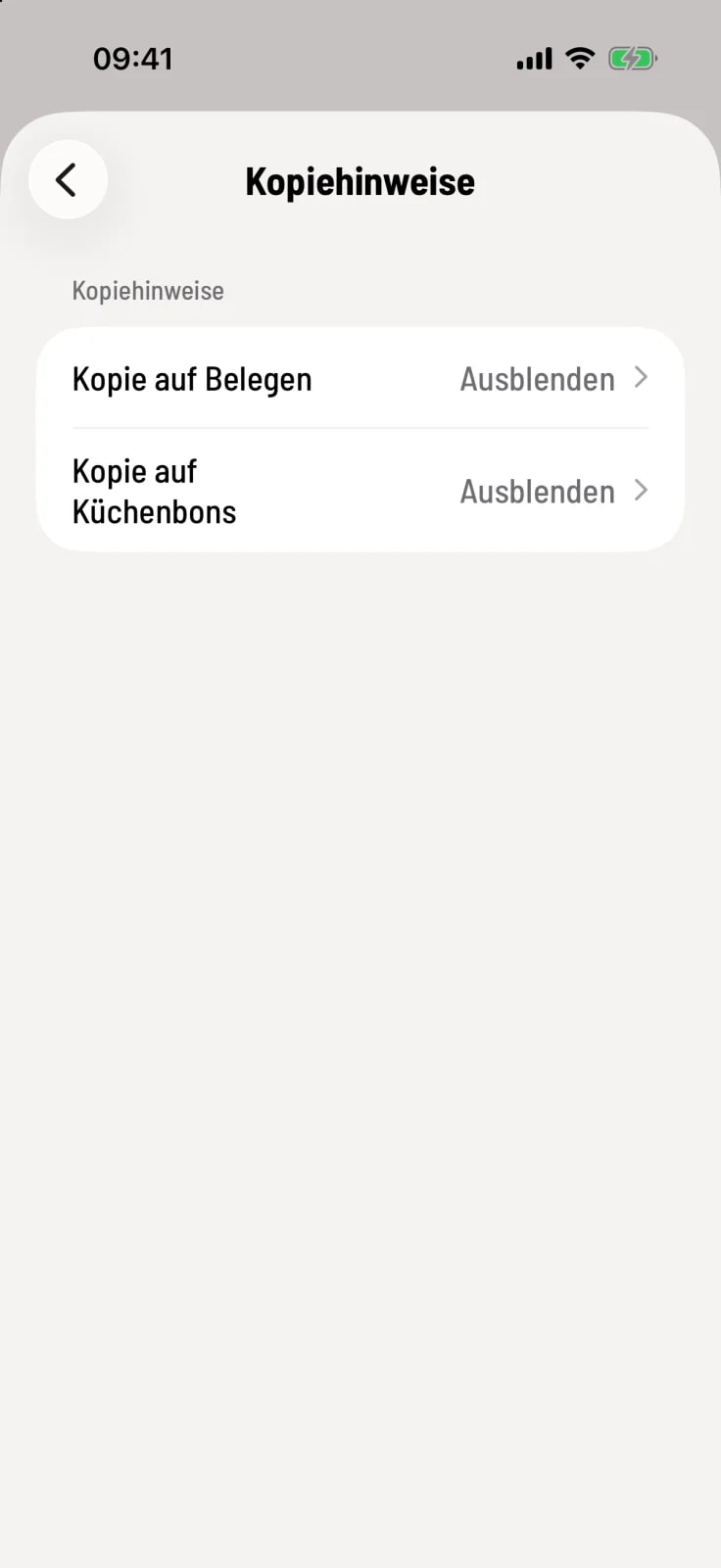
Set copy notice
Under Copy Instructions, you can separately set Copy on Receipts and Copy on Kitchen Orders to Show or Hide. By default, both are set to Hide.
Every reprinted receipt containing advertisements will have COPY printed prominently at the top. Reports always carry this note when reprinted, while deposit slips, vouchers, and news items never do.
You can set the logo and footer text of the receipts in the Web desk : Receipt logo and receipt options.