
Reservations: Confirmation and emails
Configure confirmation type, reminder emails, mandatory fields, no-show protection, and automatic completion.
In the Confirmation & Emails tab of the reservation settings, you decide whether online reservations are valid immediately, when guests are reminded, and what happens after the appointment. To do this, open Reservations → Gear icon → Confirmation & Emails.
Confirmation of reservations
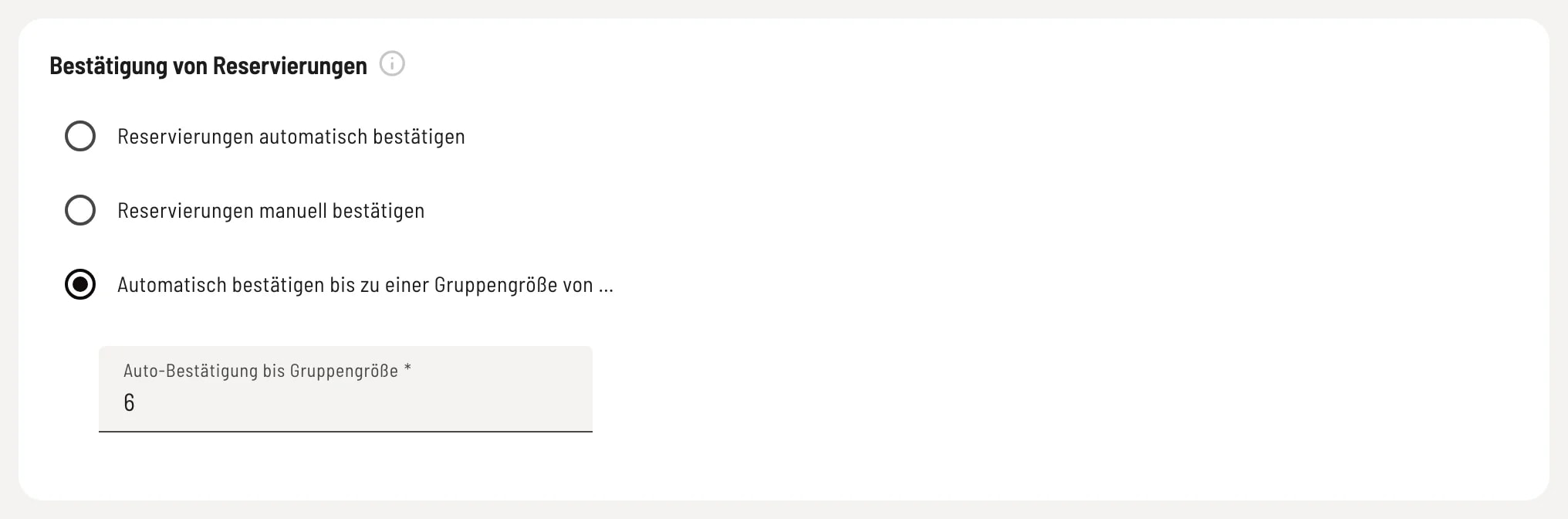
Choose confirmation type
Automatically confirm reservations – Online reservations are confirmed instantly, and the guest receives confirmation immediately. Manually confirm reservations – Every online reservation arrives as a request and awaits your confirmation. The table is already reserved in the meantime. Automatically confirm up to a group size of… – Small groups are automatically confirmed; larger groups arrive as requests. You enter the limit under Auto-confirmation up to group size. Reservations made by your staff are always confirmed.
Reminder emails
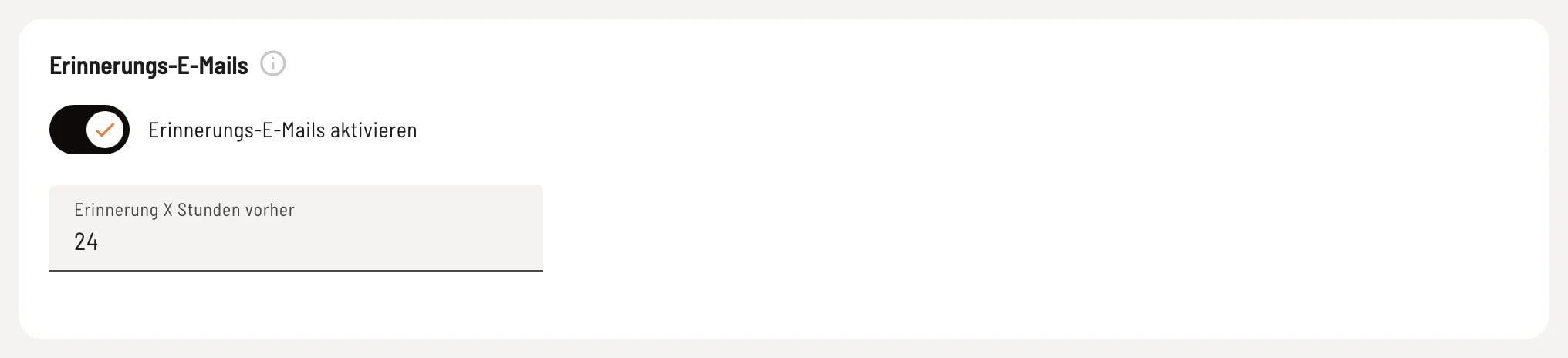
Reminder before the appointment
With Activate reminder emails, guests with an email address will automatically receive a reminder before their appointment – only for confirmed reservations. Reminder X hours before sets the time, e.g., 24 hours.
Required fields for manual reservations

Request by phone or email
This applies when your staff creates a reservation (Web desk, telephone). The name is always mandatory. Reservations cannot be saved without the phone number is mandatory or email address is mandatory. Walk-ins and online reservations are exempt.
No-show protection

Automatic blocking of no-shows
If a guest fails to appear a certain number of times, they will be automatically blocked from making online reservations. An empty field means they are not blocked. Your staff can still make reservations for blocked guests.
Automatic completion
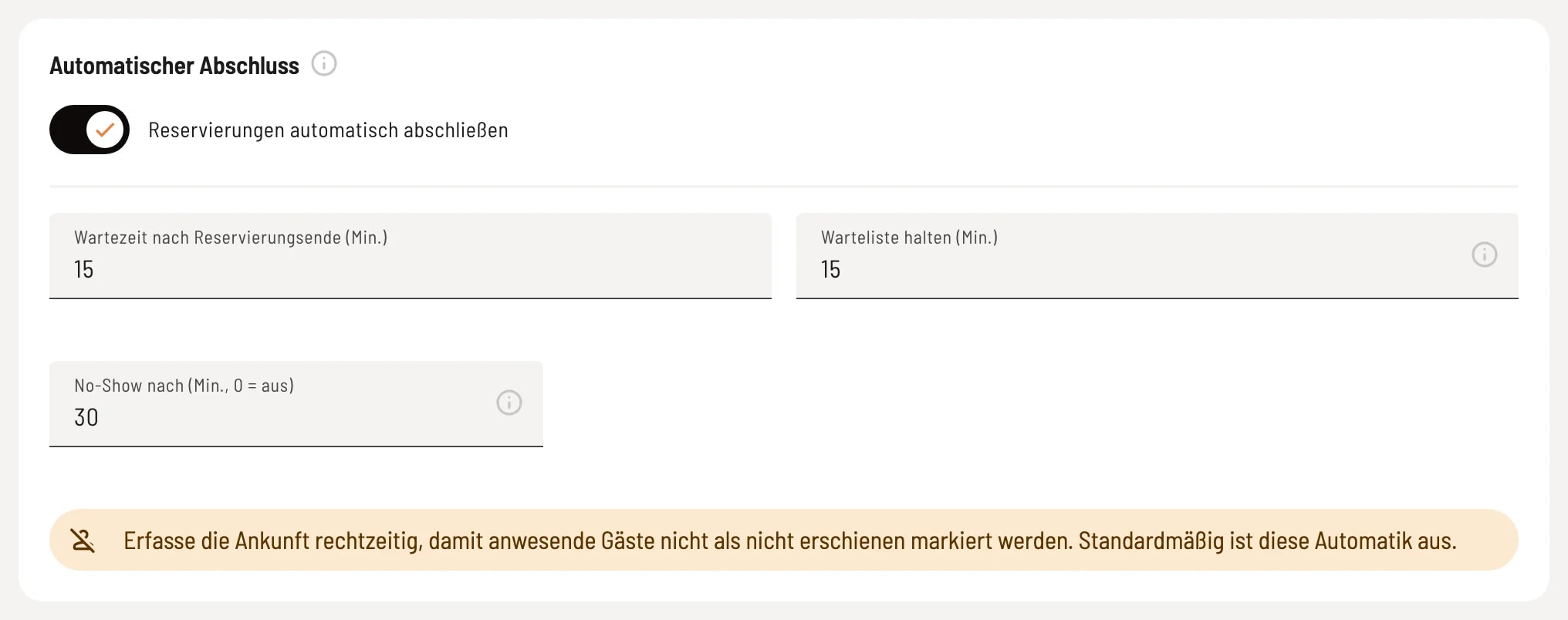
Automatically complete reservations
If the switch is activated, reservations of arriving guests will be automatically closed after the scheduled end time plus waiting time after reservation end (min.). Without this option, your team will handle this, and the table will remain occupied until then. Confirmed reservations without a recorded arrival will be closed no earlier than the following day. Keep waiting list (min.) – this is how long a notified waiting list guest has to book; after that, their entry expires. No-show after (min., 0 = off) – if no arrival is recorded, open inquiries and confirmed reservations will be marked as no-shows for this many minutes after the start time. Therefore, please record arrivals in a timely manner.
The system is checked every five minutes. Open orders and payments remain unchanged, and guests do not receive an email for automatic status changes.