
Set up collection display
Display pickup numbers prominently so guests can see if their order is being prepared or is ready for pickup.
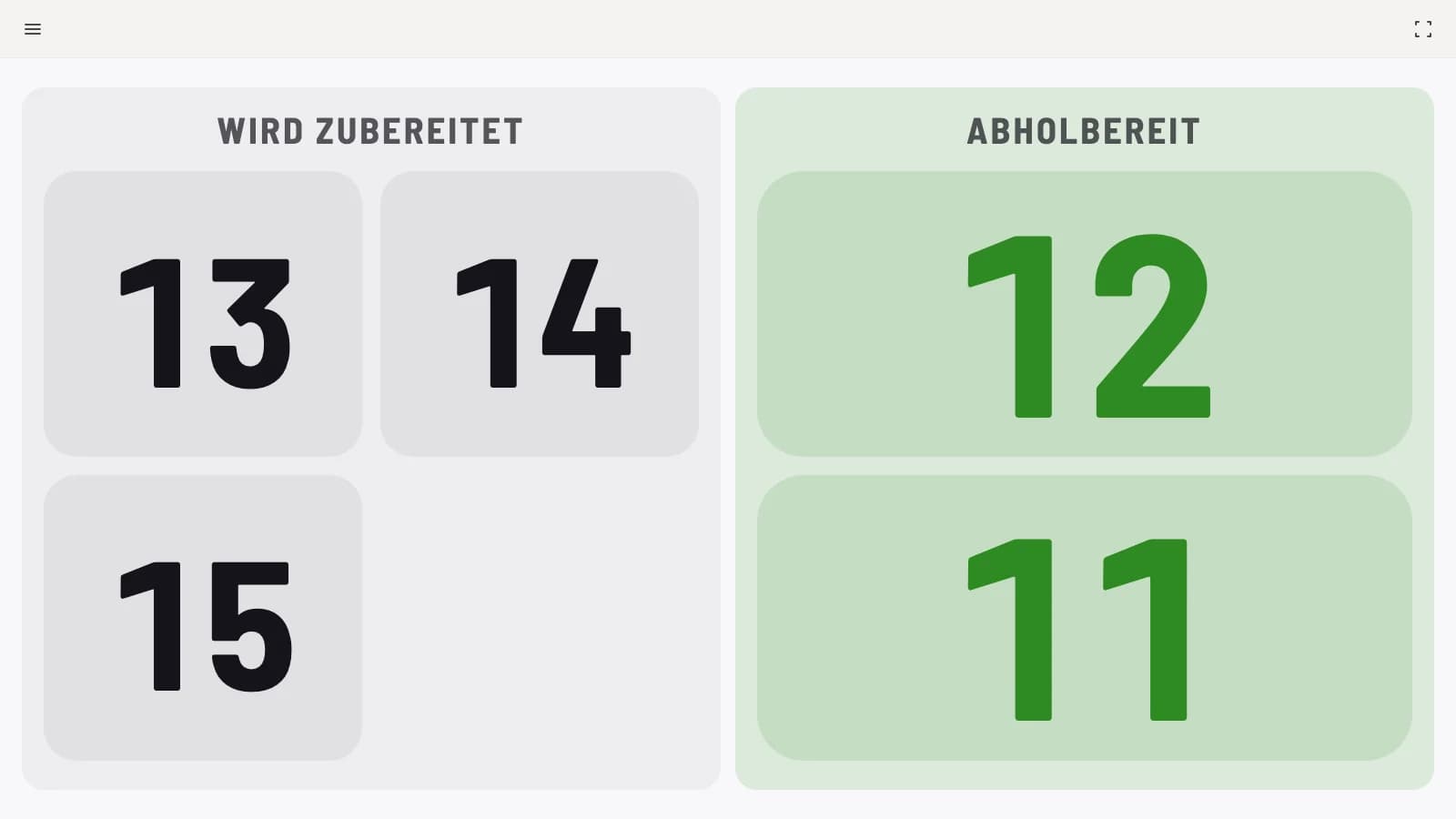
The pickup display shows two sections: Being prepared and Ready for pickup. Customers can see at a glance if their order number is up. The font size adjusts so that a few numbers appear large while many remain legible. The pickup display is included in all plans, including Servire Free.
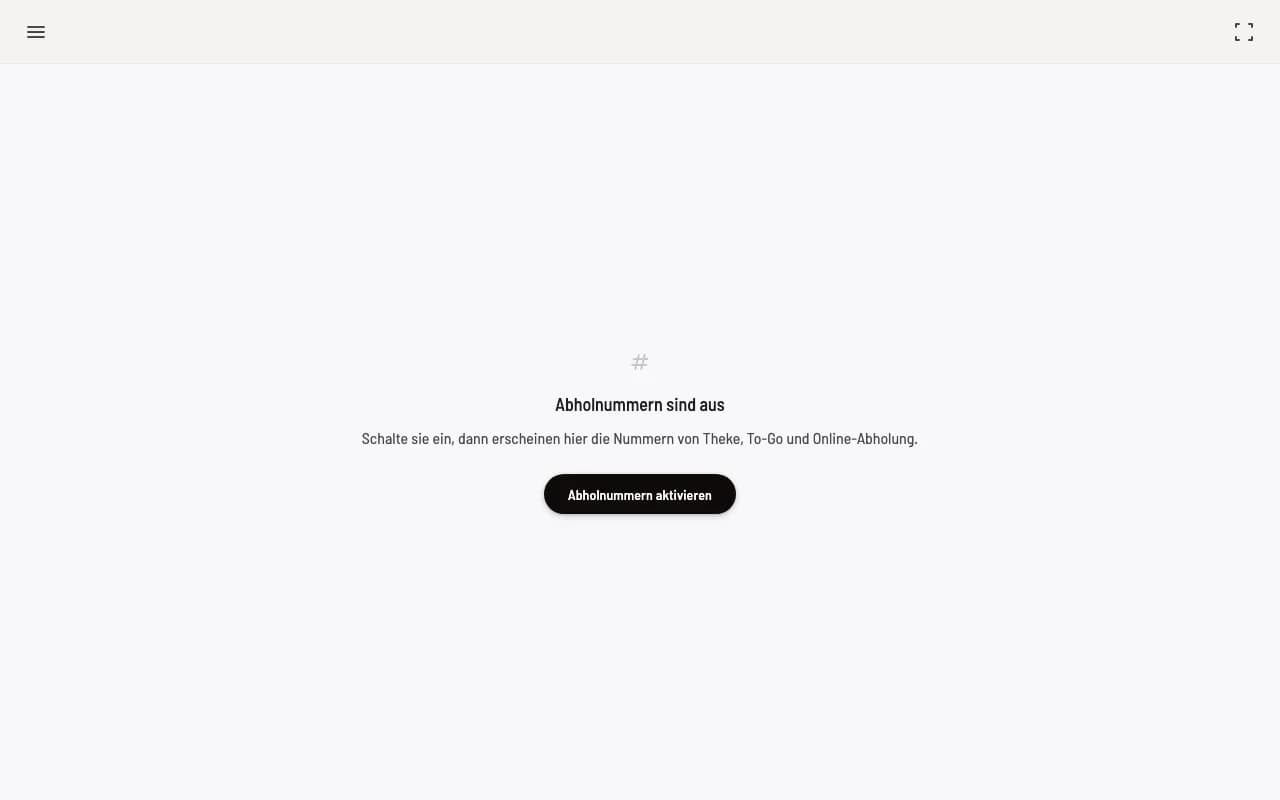
Prerequisite: Collection numbers are enabled. If they are disabled, the collection display shows Collection numbers are disabled and, outside of full-screen mode, the Activate collection numbers button. The same switch is available in the Hub under Settings → Collection display and in the Web desk under Settings → POS. Collection numbers are always enabled with an active order terminal.
Open collection display
Open hub.servire.de on the screen above the counter , log in, and select Collection Display. Switch to full screen in the upper right corner. From the Web desk , you can access this page directly via Open Collection Display on the Collection Numbers map.
How a number travels
It will appear under Being prepared as soon as the order has been sent or billed.
It changes to Ready for Pickup as soon as all item in the order are ready for pickup on the kitchen monitor or you call the guest at the checkout. A sound will play at this point.
Recall on the kitchen monitor or at the checkout plays the tone again, the number remains green.
It disappears as soon as the order is picked up or completed at the checkout, at the latest after the set display duration.
Always ready for pickup only: If the kitchen immediately switches to Picked up, the number never appears under Ready for pickup and the guest is not called.
Settings
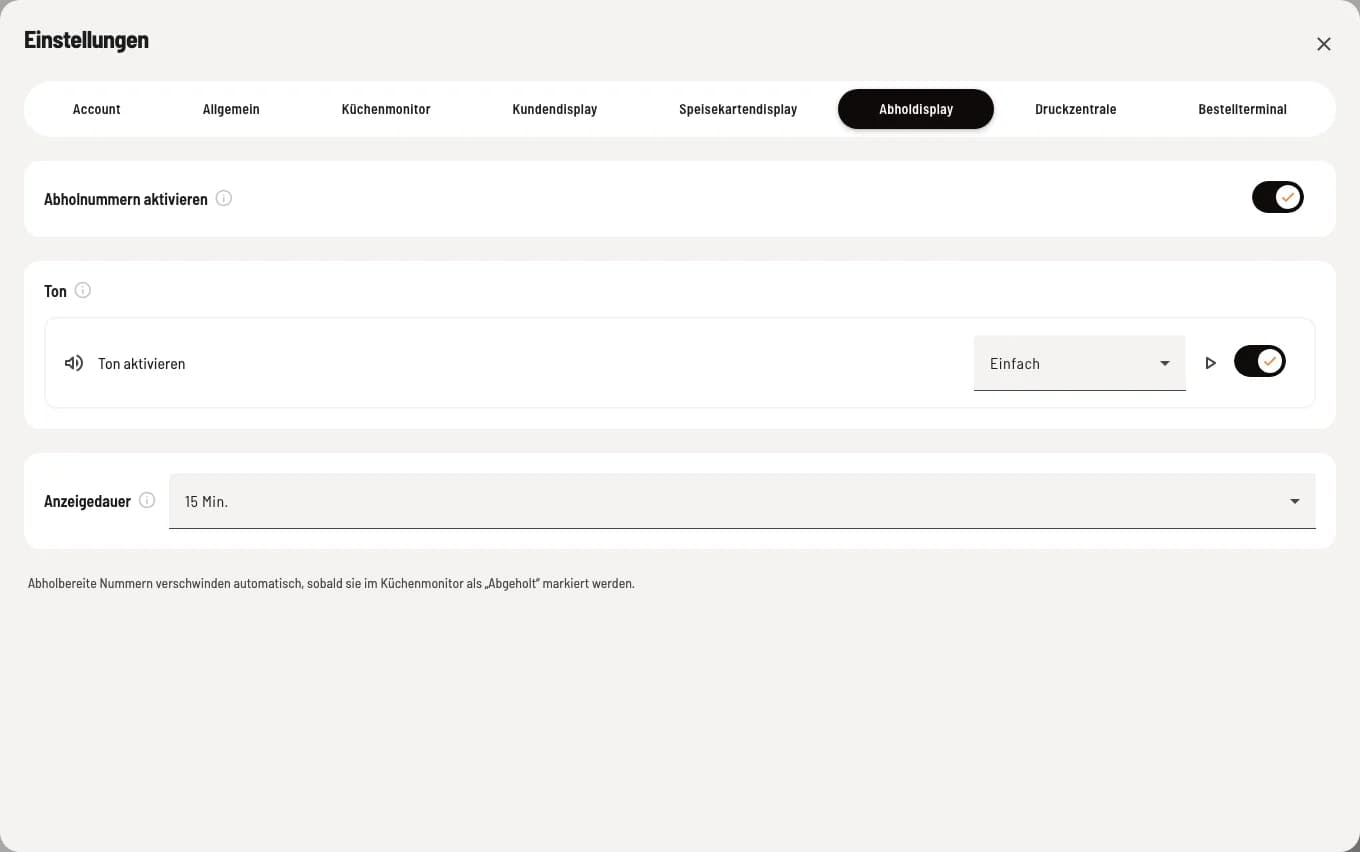
Tone – a signal sounds as soon as a number is ready for collection, with a choice of six tones. Standard setting. Applies to this device.
Display duration – how long a displayed number remains visible if no one reports it as collected: 3, 5, 10, 15, 30, or 60 minutes, default 15. This applies to all collection displays and also to the checkout order list. You can configure this setting on the Collection Numbers map in the Web desk .
Orders listed under Being Prepared disappear after four hours, and pre-orders disappear four hours after the desired pick-up time. If the screen has no connection, the message "Connection interrupted — display may not be up to date" will appear at the top. This is a network issue with the screen, not a problem with the cash register.