
Quick notes and font size
Do you hide confirmations and increase the font size in the cash register app?
Both settings apply only to this device. You can find them under Settings → General.
Fewer short notes
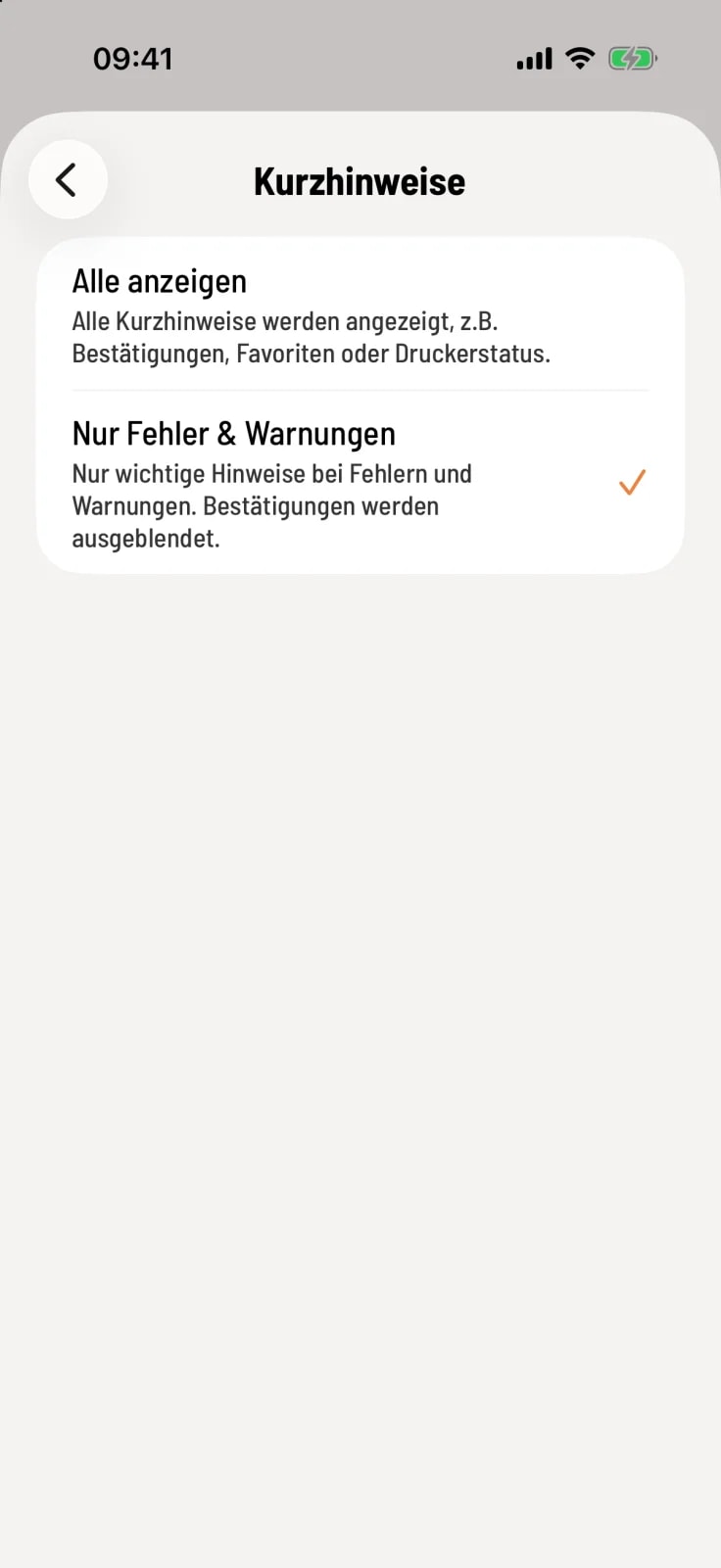
Select short notes
Tap on Quick Notifications. Show All displays every quick notification, such as confirmations, favorites, or printer status. Errors & Warnings Only hides confirmations. Errors and warnings always appear. Show All is the default setting.
The meaning of the short notes is explained under Understanding short notes.
font size
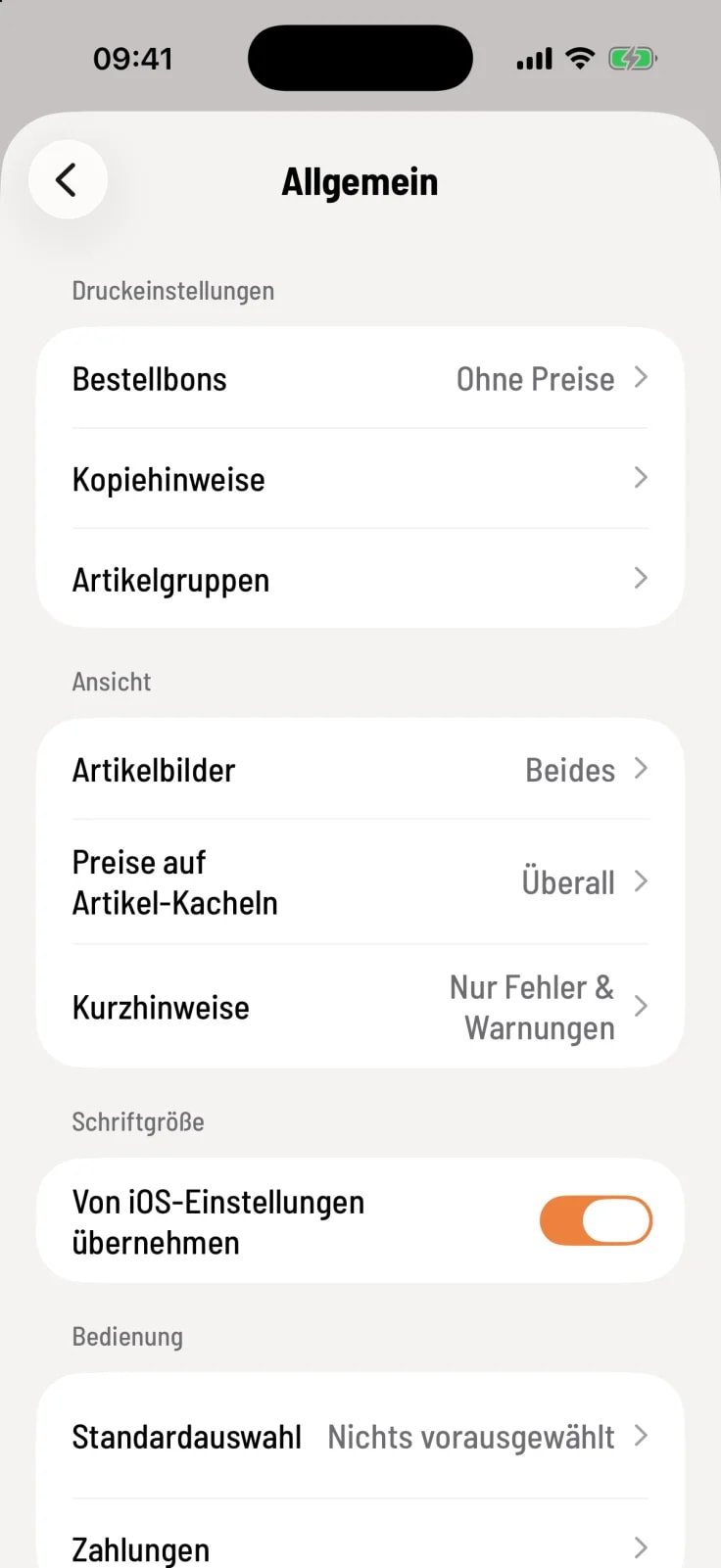
Switches in the Font Size section
If Use iOS settings is enabled (on Android: Use Android settings), the app will adjust the text size to your device's settings. This is the default setting.
If you turn the switch off, the Font Size option will appear below. There you can select Normal, Larger, or Large. Larger is the default setting on tablets, and Normal on smartphones. The entire app will adjust immediately.