
What is pre-selected during billing
You determine whether all items, no item , or direct payment is processed during invoicing, splitting, and cancellation.
When billing, splitting, and canceling, you first select the item. You configure how this selection starts for each device.
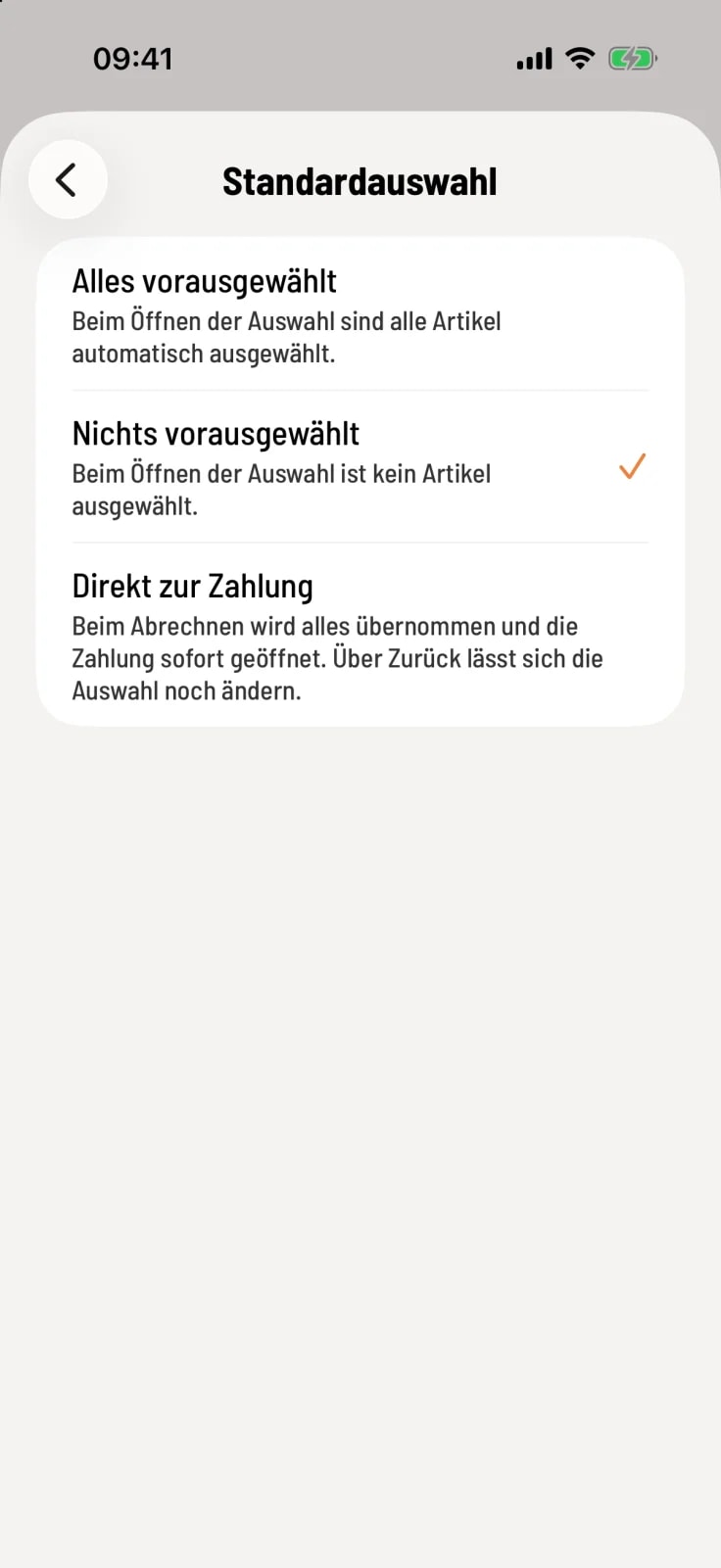
Select default option
Open Settings → General and tap Default Selection in the Operation section.
Nothing pre-selected – no item are highlighted; you tap the ones you want. This prevents you from accidentally paying for everything. This is the default setting.
Everything pre-selected – all item are marked. Convenient when the whole table is usually paying.
Proceed directly to payment – the app handles everything during checkout and opens the payment immediately. You can still change your selection using Back.
Proceed directly to payment skips the selection only during checkout. When splitting or canceling, you will still see the selection, with all items pre-selected.
How the selection process looks when billing is explained under "Bill only a part".