
Overview and registration
What the Servire Hub can do, how to log in, and what screens are available.
The Servire Hub is the screen side of Servire. While you use the POS app to take orders and process payments, the Hub displays what should be shown on monitors in the restaurant: orders in the kitchen, prices for guests, collection numbers at the counter, the digital menu, the central printing station, and the ordering terminal.
Register
Step 1 of 2
Open Hub
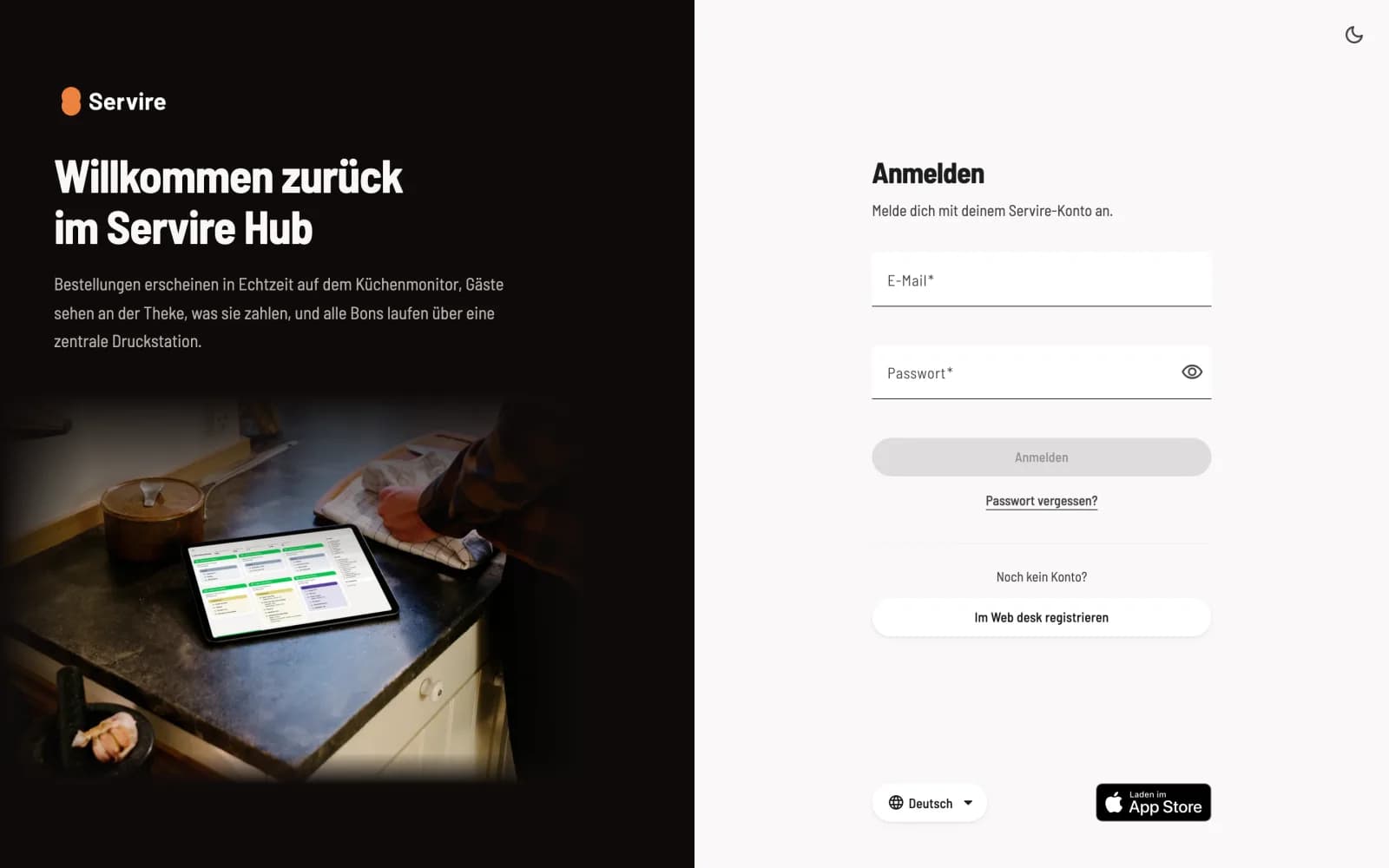
Open hub.servire.de in a modern browser and log in with your Servire account, i.e., with the same email address and password as in the Web desk. You don't need a second account. The Hub does not create new accounts; for that, you can use **Register in the Web desk **.
Step 2 of 2
Choose restaurant and area
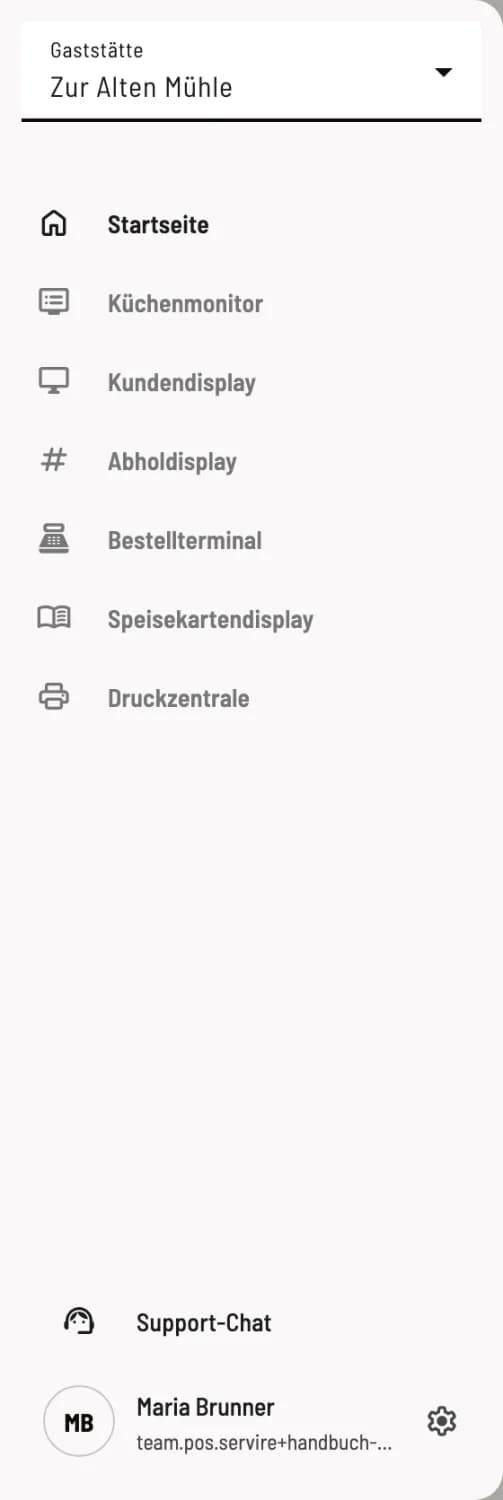
Open the sidebar using the menu icon in the top left corner. If you have multiple restaurants, select the correct one under Restaurant at the top. Your selection will be saved on this device.
The areas
Kitchen monitor – all orders in view, for kitchen and serving: Setting up a kitchen monitor.
Customer display – the guest sees what they order and pay for: Setting up a customer display.
Collection Display – Collection numbers large and visible, in all tariffs: Set up collection display.
Order terminal – Self-service via touchscreen, in the Max tariff: Set up order terminal.
Menu Display – the digital menu for entrance or counter: Setting up a menu display.
Print Center – the central station for your receipt printers: Setting up the print center.
Support Chat – Ask questions about Servire to the AI assistant.
The homepage
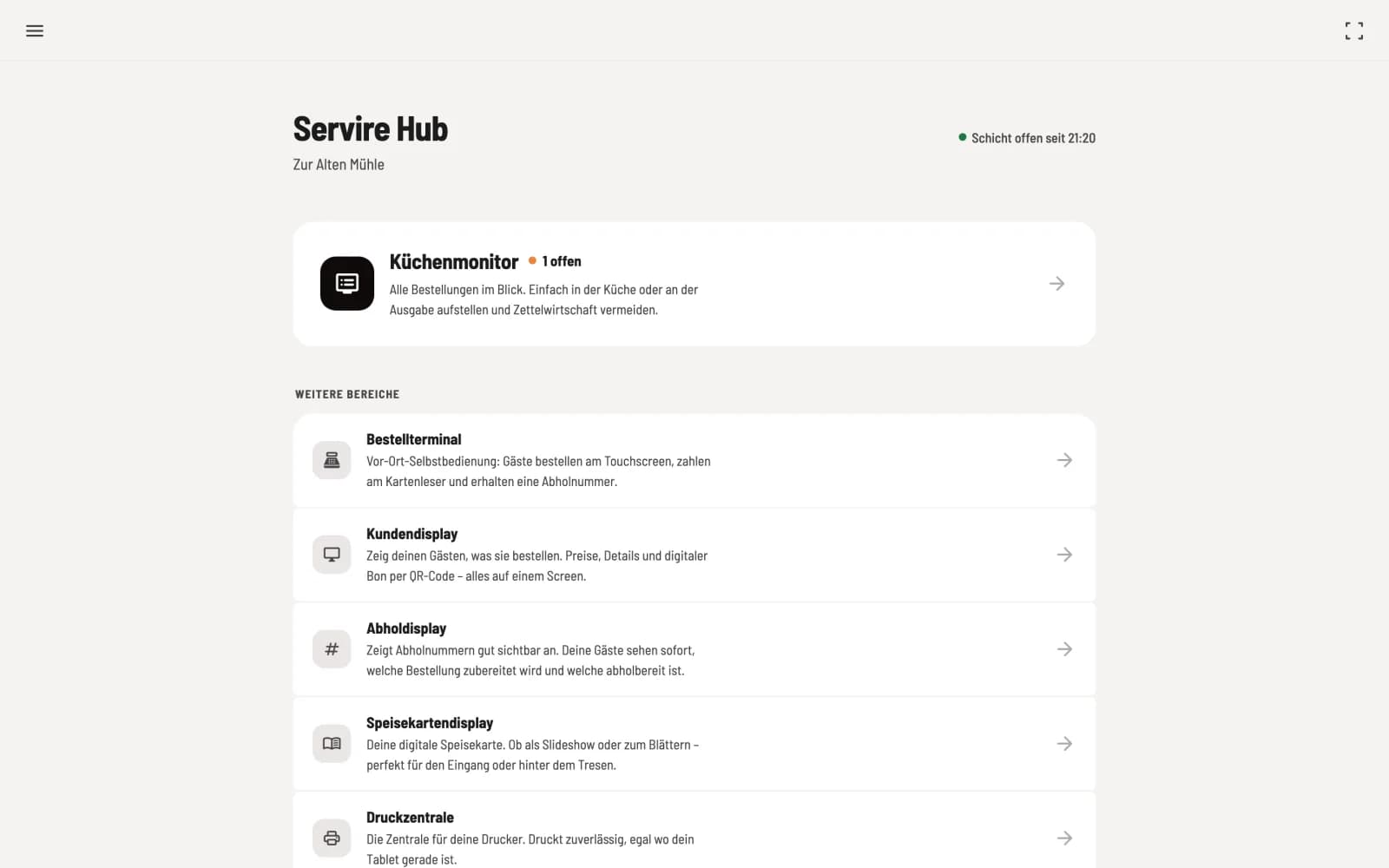
At the top are the restaurant and shift ("shift open since..." or "No shift open"). The last used area is shown as a large tile at the top. The tiles indicate the status, for example, "2 open" or "All completed" for the kitchen monitor, or the print center's queue or "Printer jammed".
Open shift : The kitchen monitor, customer display, and order terminal require an open shift in the POS app. Without a shift , the kitchen monitor will display "No active shift".
Typically, one device is used per task: a tablet in the kitchen, a screen at the counter, a computer with the printing center. Switch each device to full screen using the full-screen icon in the top right corner and secure it with the device code.
Price: The hub also works with the free plan, including all areas except the order terminal. A small " Servire " icon is displayed in the bottom right corner of the free Servire .