
Print online orders at checkout
Which cash register prints receipts from Uber Eats, the guest app, and the order terminal if you are not using a print center.
Only applies without a print center. In hub mode, the Servire Hub prints online orders. The switch appears as soon as a printer is set up.
Orders not placed at the cash register are printed by a POS system with the Print Online Orders function enabled. These include orders from Uber Eats, the guest app, and the ordering kiosk. The POS system prints the kitchen slips as if they were an internal order, with the pickup number or the platform order number at the top. If the platform cancels an order, it prints the cancellation slip.
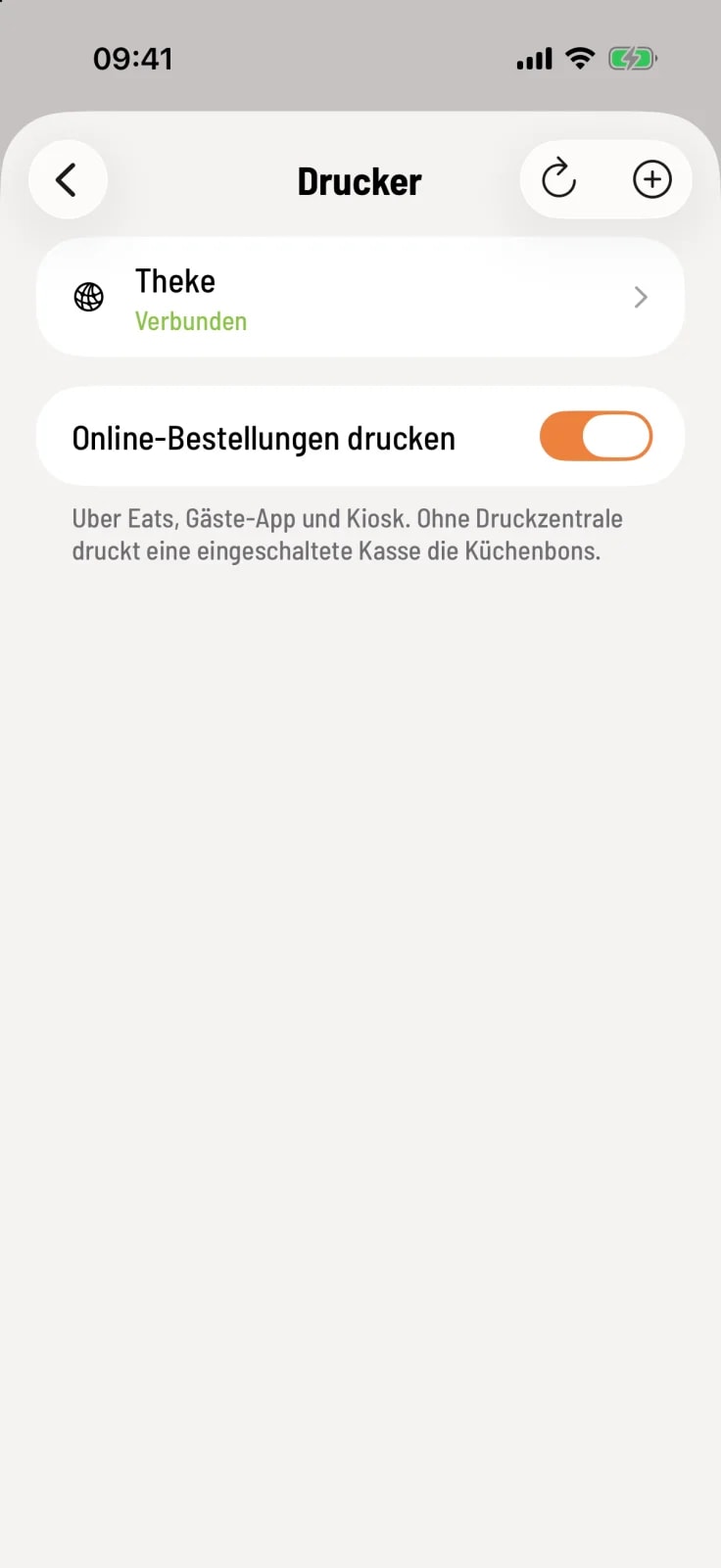
Check switches
Open Settings › Printers. Below the printer list, you'll find Print online orders. It's enabled by default.
The switch only applies to this device. If multiple cash registers have it activated, only one of them will print each order.
The POS system only prints while the POS app is open and in the foreground. If neither the POS system nor a print center is running, Servire will not accept new orders from the guest app or the ordering terminal and will pause Uber Eats. This ensures that no order goes unprinted.
You set up the channels yourself in the Web desk : connect delivery services, set up guest orders, set up order terminals.