
Article tiles: Images and prices
You decide whether the menu displays images, names, and prices on the item tiles.
Space is limited on a small screen. That's why you decide what appears on the product tiles. Both settings apply only to this device; the menu and self-checkout will reflect the change immediately.
Picture, name, or both
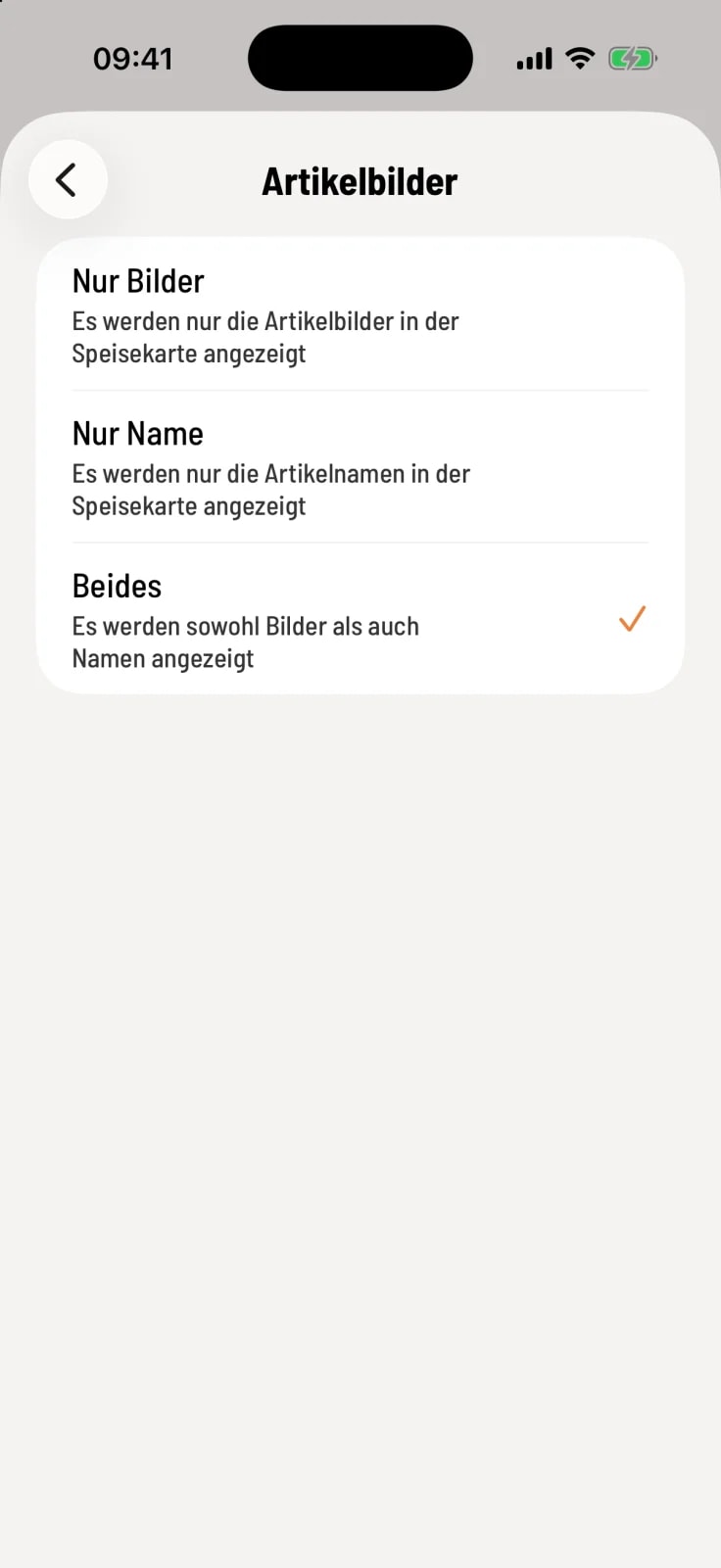
Select product images
Open Settings → General → Article Images. Images Only shows only the photo, Name Only only the name, Both photo and name. The default is Both.
Where the price is
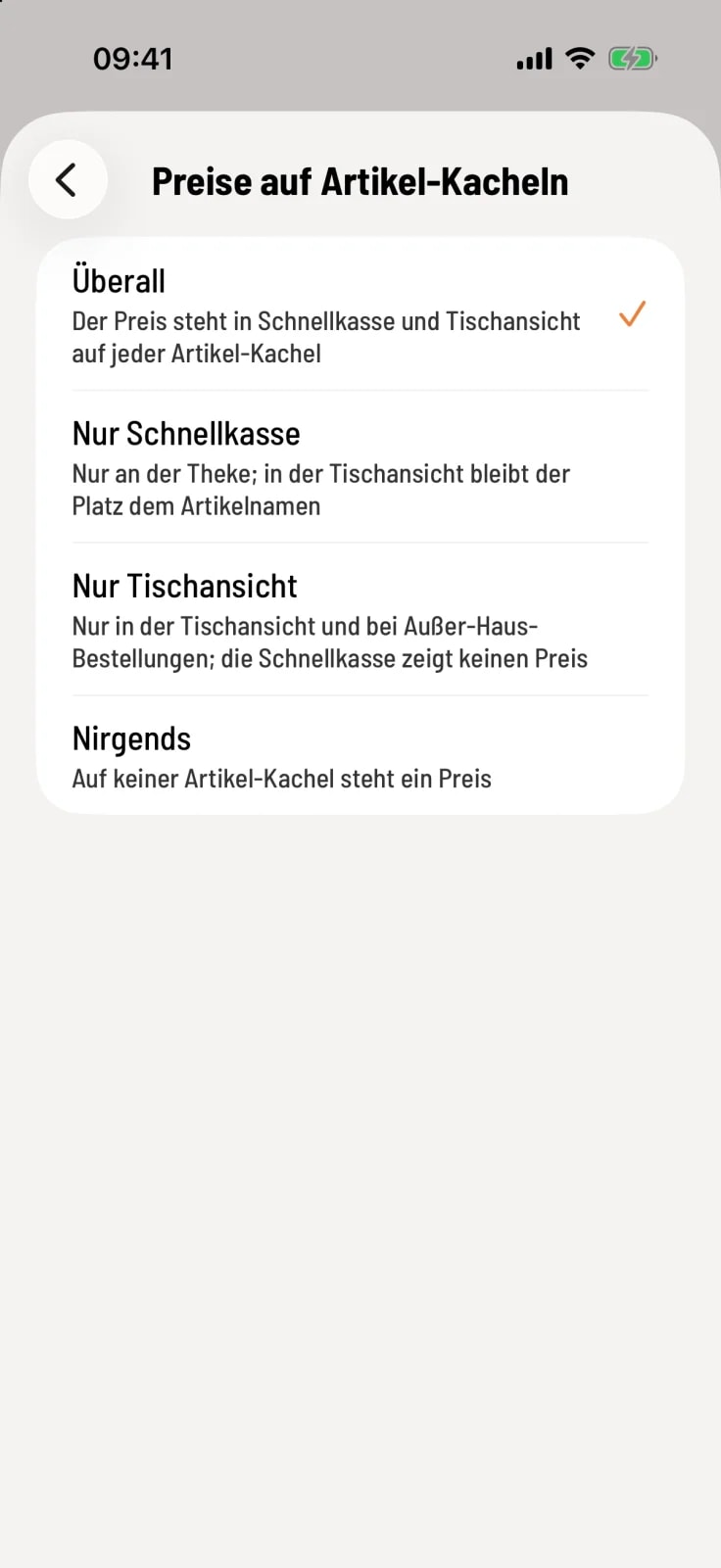
Select prices on item tiles
Tap on Prices on item Tiles and choose where the price appears.
Everywhere – in express checkout and table view.
Express checkout only – only at the counter; in the table view, the space remains the same as the name.
Table view only – in the table view and for takeaway orders, not in the express checkout.
Nowhere – no tile shows a price.
As long as you do not select anything on this device, your company's default settings apply.
item without photos still display their name in the Images Only section. You can upload photos in the Web desk : Edit item.