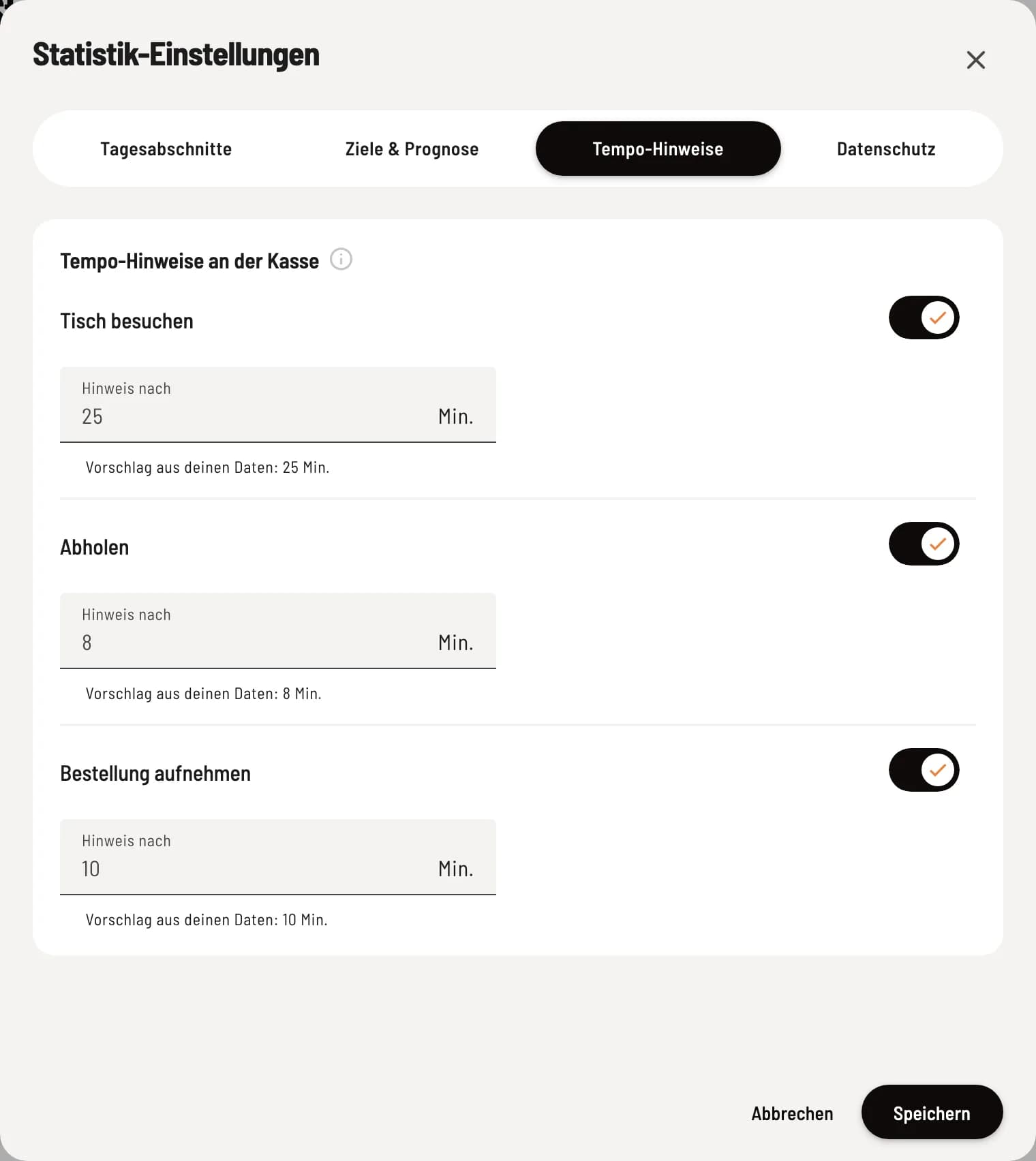
Speed guidelines on the table plan
What the small symbols on the tables mean and how to set them.
On the table plan , a small symbol appears at a table when it needs attention:
Visit table (runner) – no orders were placed at the table for longer than usual.
Collection (Bell) – a dish is ready on the kitchen monitor, but has not yet been collected.
Taking order – a reservation has been made, but no order has been placed yet.
Tap the icon to see when it started. In the iOS app, the number of minutes is also displayed next to it; from 100 minutes onwards, it's shown as "99+".
The notifications appear starting the night after the owner sets up the statistics in the Web desk . Pick-up requires the kitchen monitor in the Servire Hub, Taking an order requires reservations (Max tariff).
Set
Servire suggests the minutes every night based on your data. You can disable or adjust each suggestion in the Web desk under Statistics → Gear icon → Speed suggestions.