
Publish website
Here's how to put your website online, change the web address, and offer it in English.
Until the website is published, guests will only see "Coming soon" at your address, even when scanning a table QR code. Online ordering and embedding will only work after that.
Prerequisite: The website belongs to the Max tariff.
Publish
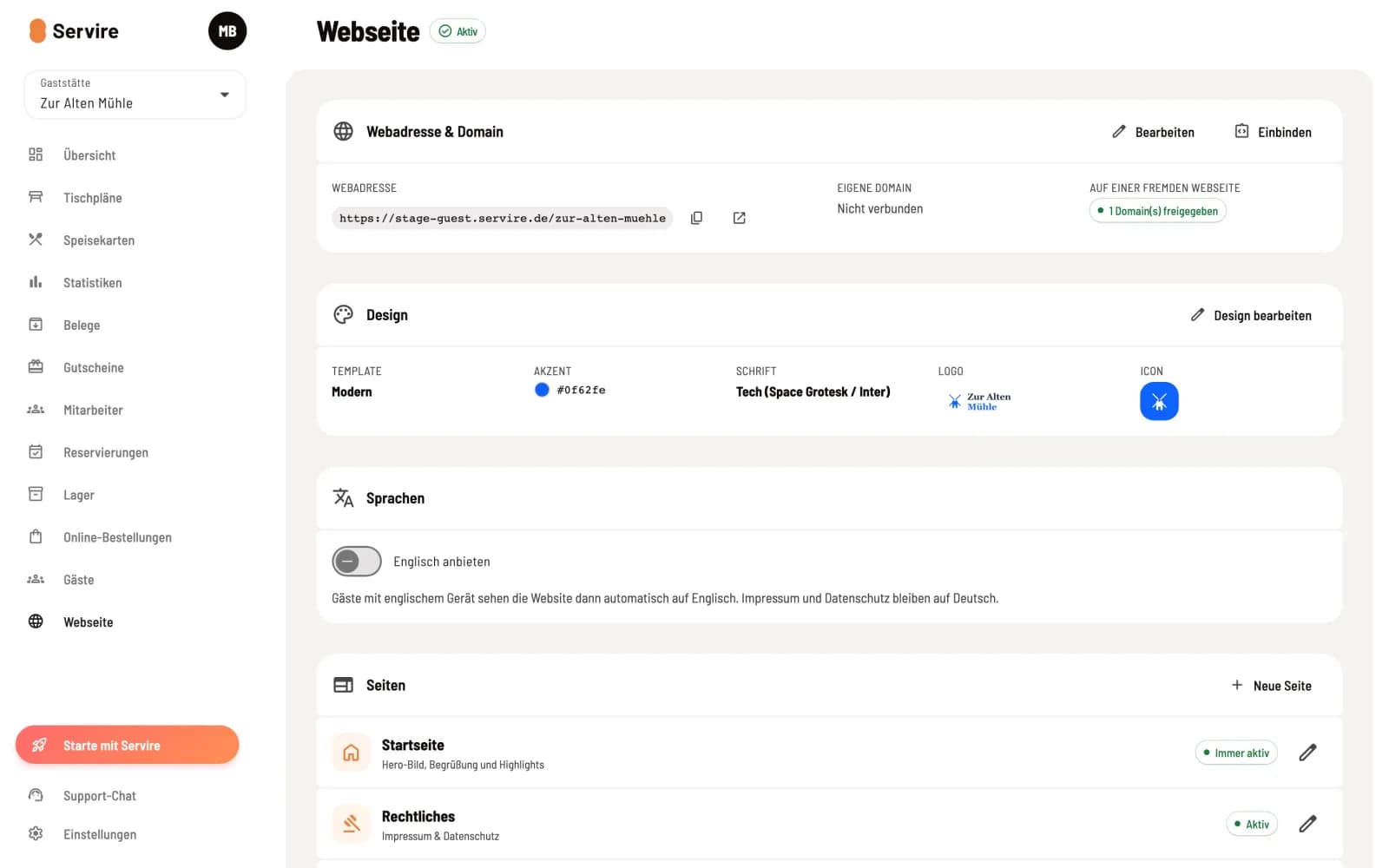
Switch status
In the overview, click on Inactive next to the title Website and confirm with Activate. Afterwards, it will say Active, and the website will be publicly accessible.
To publish, the website needs a web address, a design, and a cover image or a short description on the homepage. If anything is missing, the Web desk will report Nothing is missing before publishing: …. Clicking Activate and Deactivate will take the website offline again. Subsequent changes will appear after saving without needing to republish.
Change web address
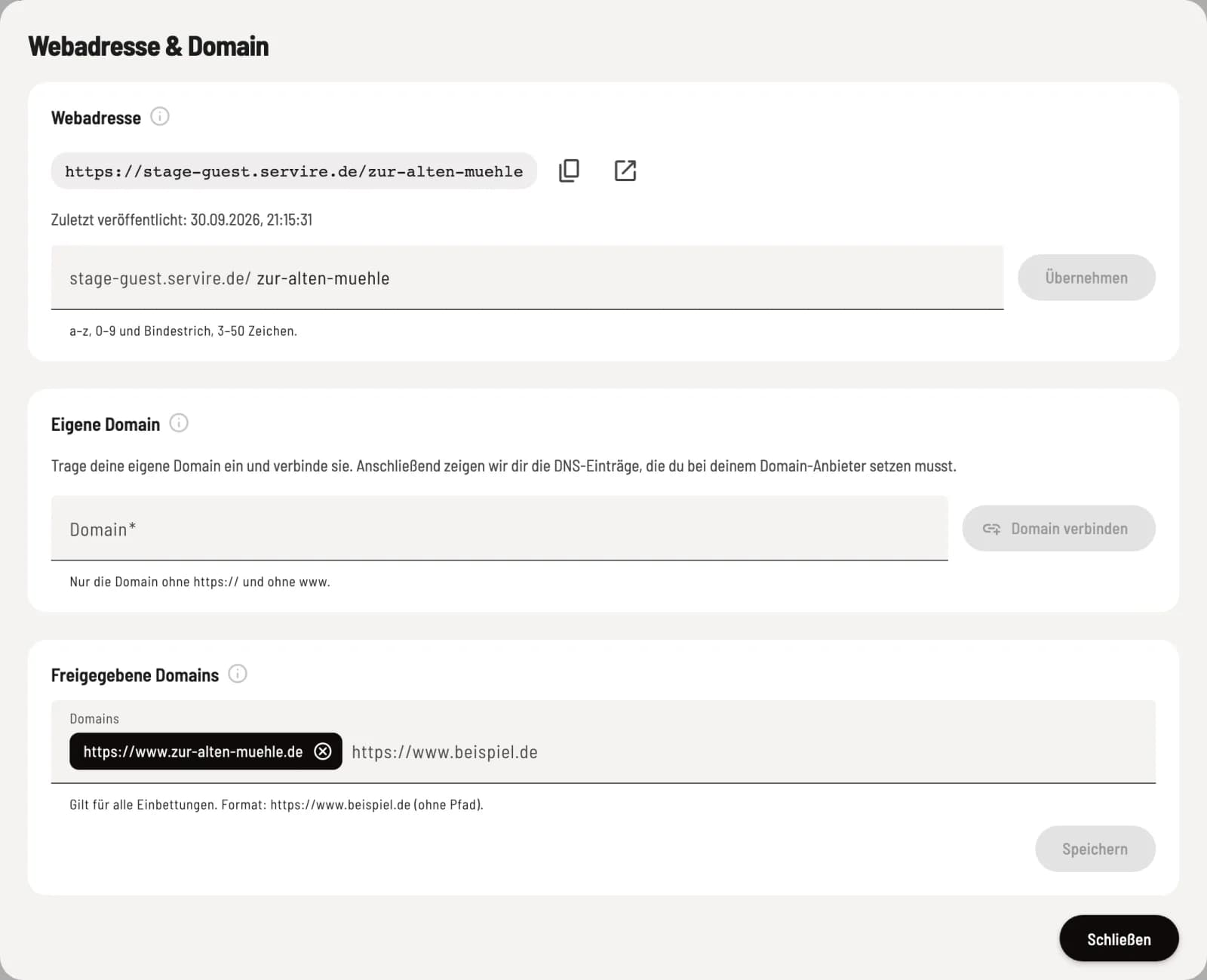
Website address & domain
Under Web Address & Domain, click Edit. Change the name at the end of the address under Web Address and click Apply. Last Published shows when the website went online.
Old links will redirect to the new address for 90 days. Replace printed QR codes and links during this time. You can connect your own domain, such as restaurant.de, in the same dialog: Connect your own domain.
Website in English
In the overview under Languages, activate Offer English. Guests with English devices will then automatically see the website in English. Translate all automatically translates missing and outdated text, and the number of translated texts is displayed below. Any text you write yourself in English remains unchanged. In the page dialogs, you select the language at the top and can have individual texts translated using Automatically translate. The legal notice and privacy policy remain in German.
be found
Search engines only see the published website. Servire generates the search result title from your name and the homepage's short description. Servire automatically provides your address and opening hours in a format that Google can read. There is no separate setting for this. Therefore, please ensure your short description, address, and opening hours are carefully maintained.