
Guest list in the Web desk
This is how you can find guests in the Web desk, filter the list and see newsletter subscribers and open lids at a glance.
Open Guests in the Web desk . The Guests tab shows all guests of your restaurant, the Newsletter tab shows your campaigns ( send newsletter campaign ).
Prerequisite: Guest management is part of the Max plan ( change plan ) and must be activated ( set up guest management ). Only those with the Manage Guests right can make changes; all others can only view the settings.
Step 1 of 2
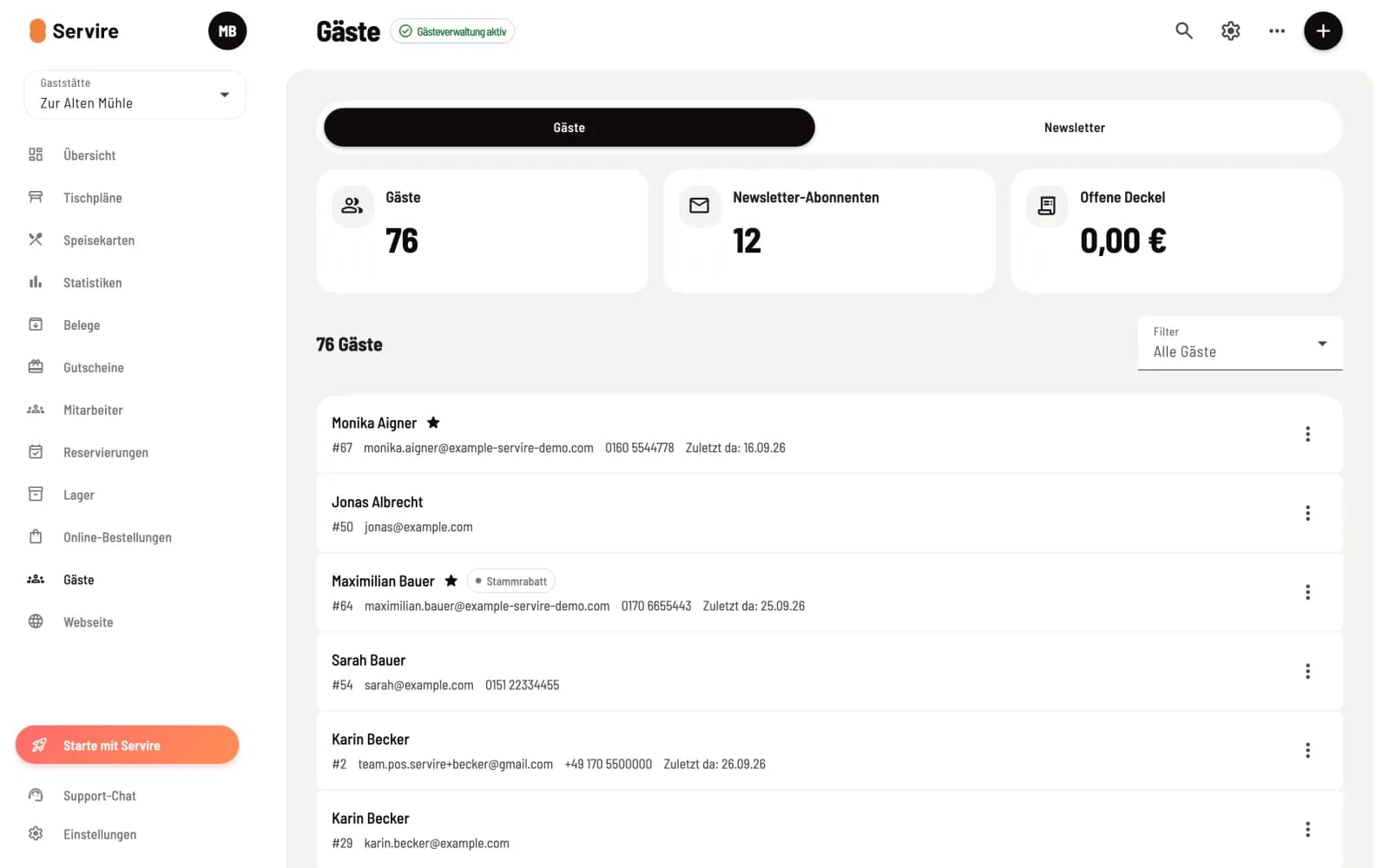
Key figures and list
At the top are Guests (number), Newsletter Subscribers, and Outstanding Balances (total of all outstanding balances). Below this is the list: Name, VIP star, Loyalty Discount and Outstanding Balances badges, guest number, email, phone number, and Last Visited. Clicking on a guest opens their guest profile.
Step 2 of 2
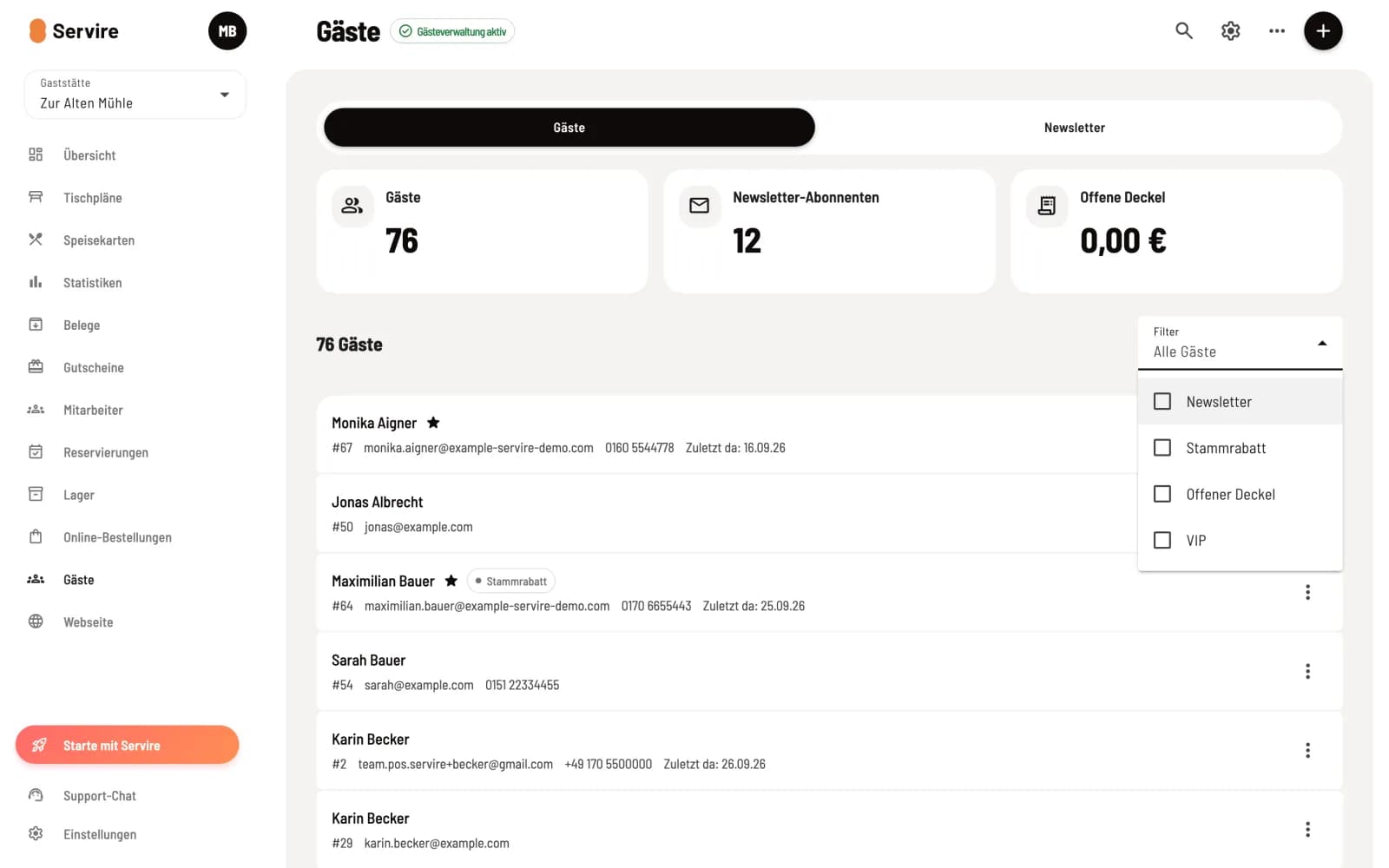
Filter
In the Filter field, you select one or more features: Newsletter, Loyalty Discount, Open Lid, VIP. If no selection is made, it will display All Guests.
Search and actions in the page header
Magnifying glass – opens Search for guests. Search by name, company, email, phone number and guest number.
Gear icon – opens the guest management settings.
… – Import from CSV and Export as CSV, see Import and Export Guests.
+ – creates a New Guest, see Creating and editing a guest.
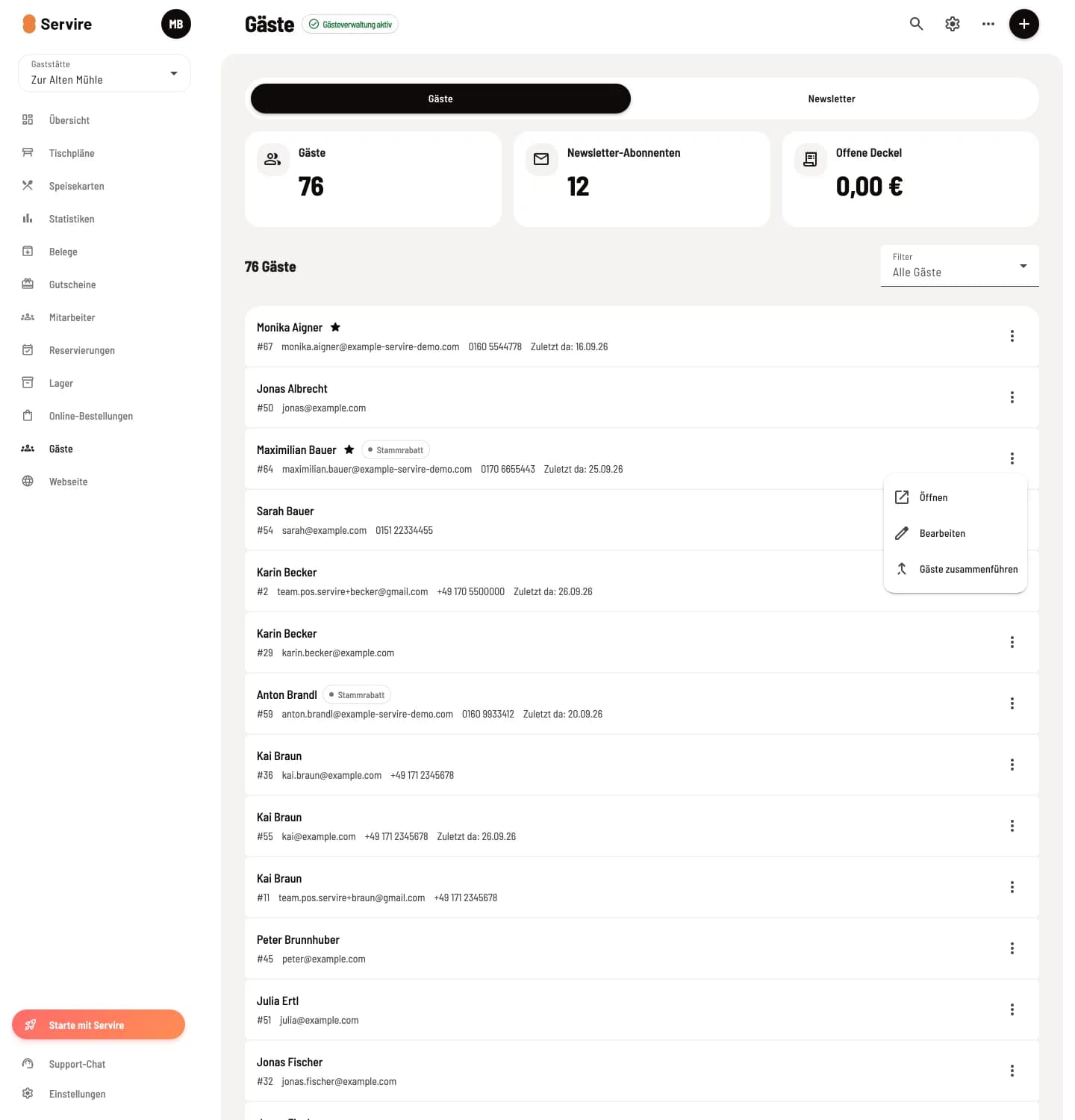
Menu at the guest
The menu ⋮ at the end of a line offers Open, Edit and, for the owner only, Merge Guests.
The list initially shows a portion of the guests. Show more will load additional guests.