
Bringing guests together and data protection
This is how you merge duplicate guests, provide data information, and delete a guest in accordance with GDPR.
Duplicate profiles are created when a guest is registered separately at the checkout and online. The GDPR (General Data Protection Regulation) requires access to and deletion of this data upon the guest's request. All information can be found in the guest profile under the menu item ⋮.
Prerequisite: Only the owner of the restaurant. Merging requires an activated guest management system; accessing information and deleting entries is also possible in read-only mode.
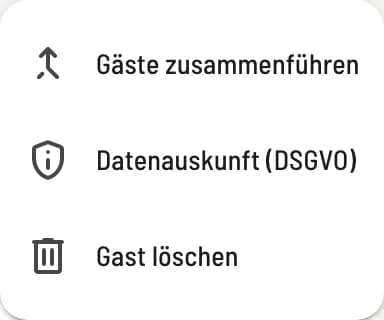
Menu in guest profile
Open the guest and click on ⋮ in the top right corner: Merge guests, Data access (GDPR), Delete guest.
Bringing guests together
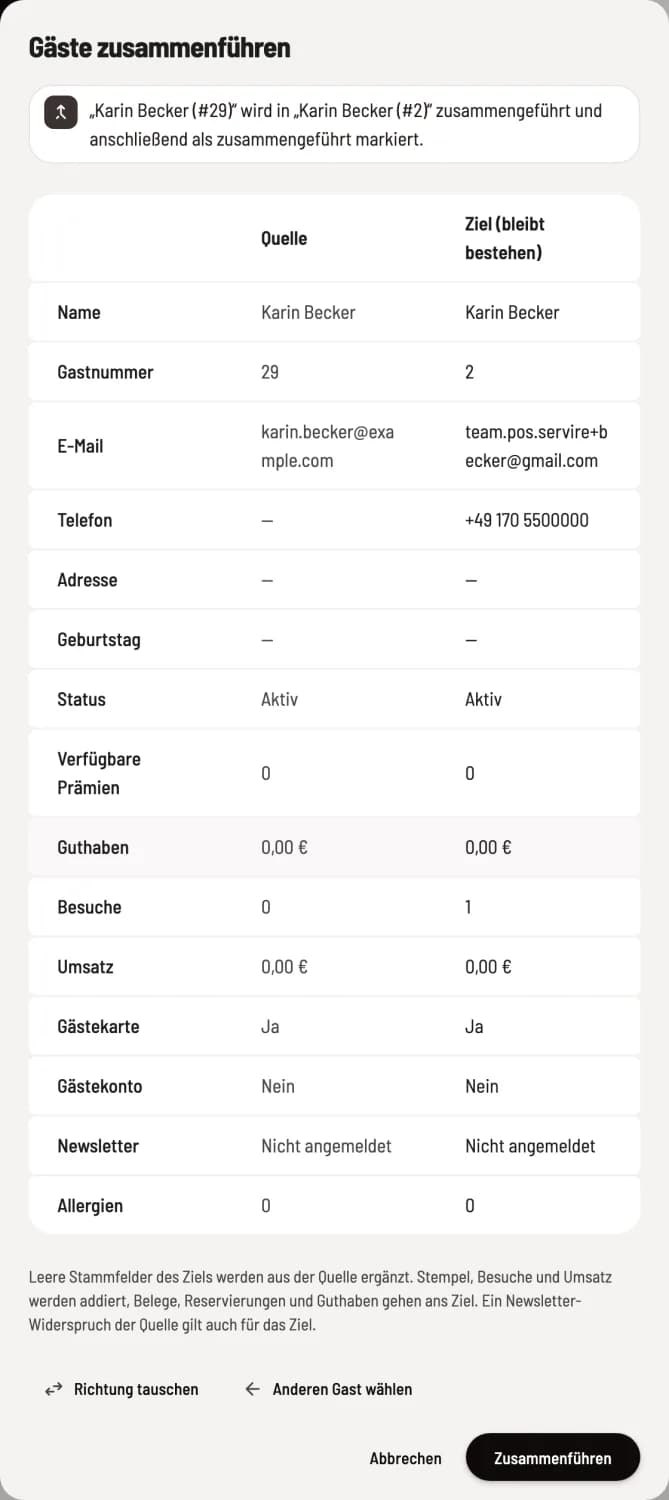
Select and check a target
Under Find Target Guest, search for the profile that will remain. The comparison shows Source and Target (remains); Swap Direction reverses them. Empty fields in the target profile are filled from the source profile, stamps, visits, and revenue are added, and receipts, reservations, and credits are transferred to the target profile. Merge and Final Merge complete the process.
This cannot be undone. The source remains readable as Merged and links to the destination. If the source has objected to the newsletter, this also applies to the destination.
Data access and deletion
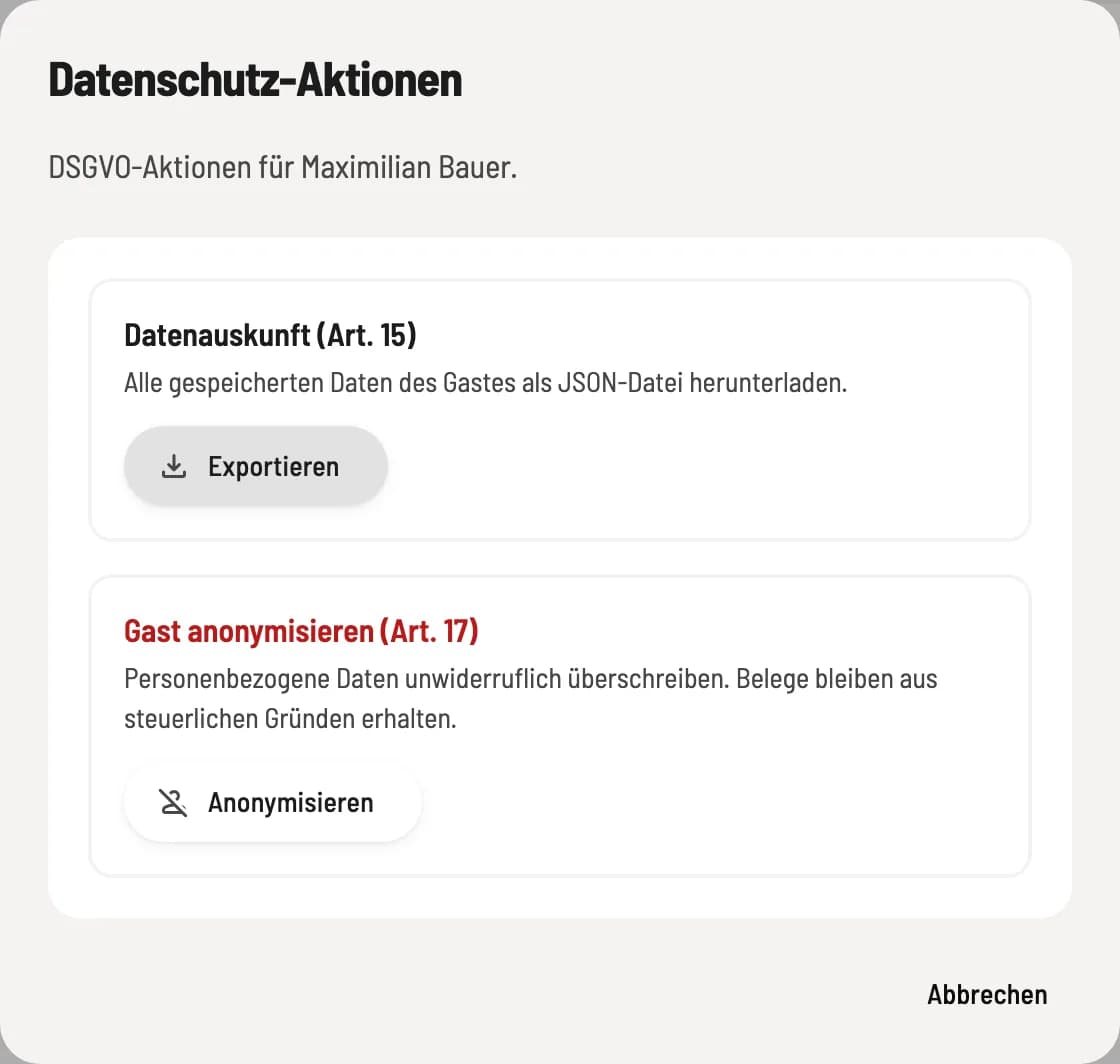
Data protection actions
Data Access (Art. 15) – Export downloads all saved guest data as a file that you send to them.
Anonymize Guest (Art. 17) – permanently overwrites personal data. You type in the name to confirm. Receipts are retained for tax purposes.
Before anonymizing the data, the dialog box shows what will happen: Any outstanding balance must first be settled at the checkout. Available rewards will expire. Remaining credit will be converted into anonymous vouchers; Servire will then show you their codes so you can give them to the guest. Future reservations will be canceled.